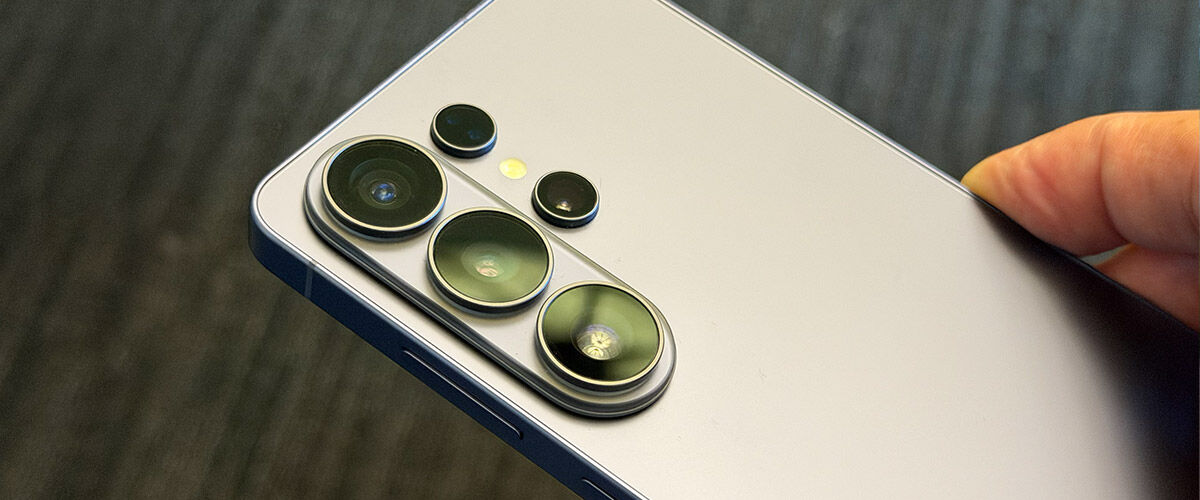
A new year brings a new Galaxy, and 2026 opens with Samsung’s strongest lineup yet – the Galaxy S26, S26+, and the powerhouse Samsung Galaxy S26 Ultra. Each of these models in the chaebol’s flagship range differ in hardware, most notably on the screen size and camera but the leader in the pack in the Ultra, which we’ve had on hand for a few days since its reveal at Samsung Unpacked 2026 on 25 February in San Francisco. Featuring the latest Snapdragon 8 Elite Gen 5 Mobile Platform for Galaxy CPU and Adreno 840 GPU, wrapped around a 6.9-inch Super AMOLED display and backed by its 200MP (wide) / 50MP (Ultra Wide) / 50MP (Telephoto) / 12MP (Front) camera system, Samsung has also levelled up the experience with sharper features AI improvements.
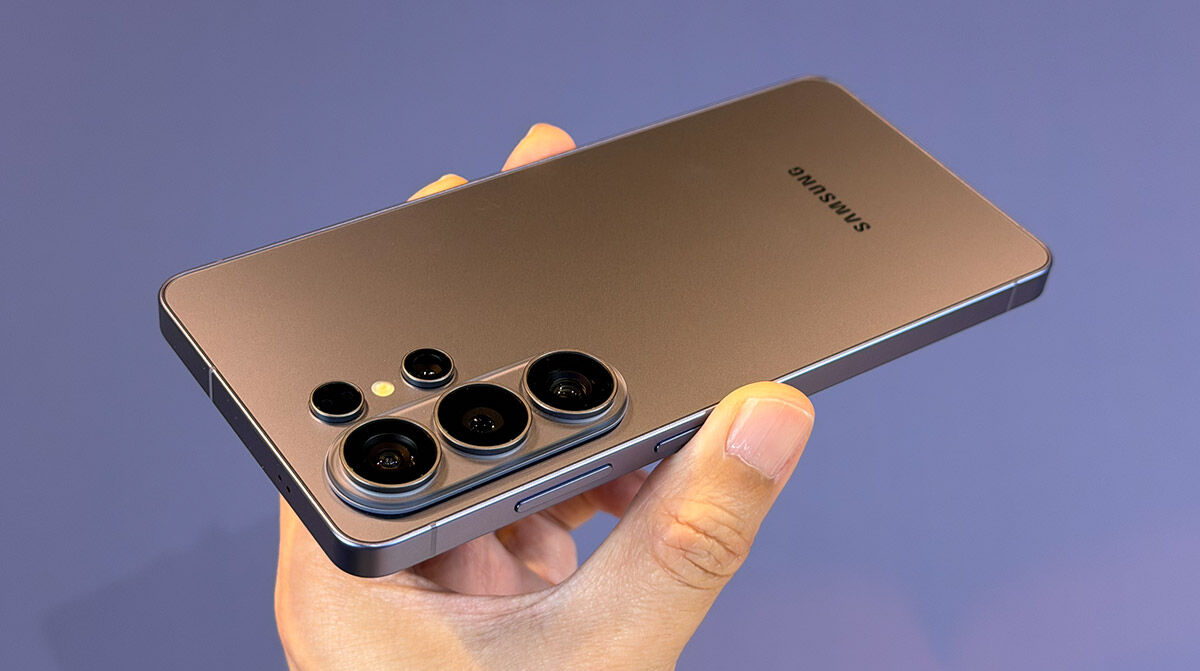
Everyone wants to know if this is the year to upgrade, and let’s be honest, true game‑changing tech is rare. The Galaxy S26 series offers the expected year‑over‑year refinements, but the S26 Ultra stands out with upgrades that might actually feel worth jumping for some, whether you’re on last year’s model or switching from another Android maker.
1. Slimmest and lightest Ultra yet
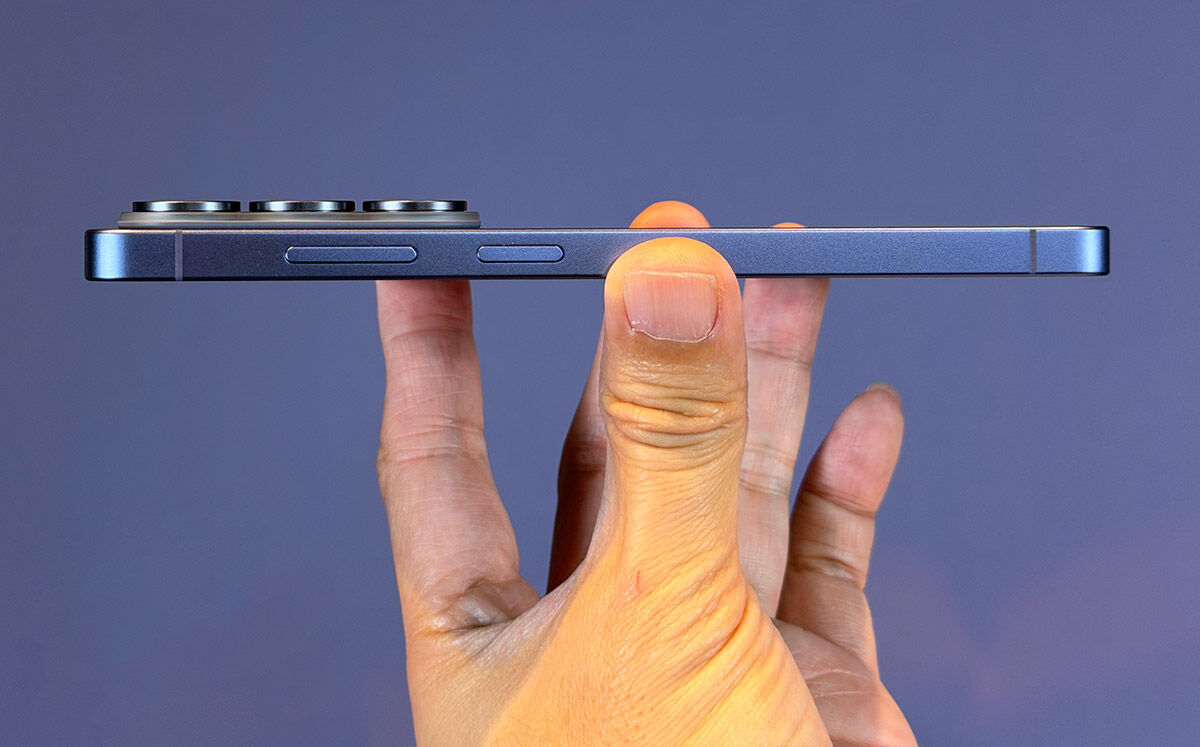
Samsung’s mission to make each Ultra thinner and lighter continues, but this year’s changes are the kind you won’t really notice. On paper, the Galaxy S26 Ultra is the slimmest and lightest Ultra yet and the S26 Ultra measures 163.6 x 78.1 x 7.9 mm, compared to last year’s model measuring 162.8 x 77.6 x 8.2 mm. It’s a touch taller and wider, but also 0.3 mm slimmer, which gives it a slightly sleeker profile without changing the overall footprint. The weight has dropped too, from 218 g on the S25 Ultra to 214 g on the S26 Ultra. It’s a subtle shift, but yet in the hand, it feels just a bit more refined and easier to carry through a full day.
2. Built-in Privacy Display
Samsung has long been known for pushing display technology forward, but with the Galaxy S26 Ultra, it’s not just about brightness or resolution, but also about providing privacy away from prying eyes. The new built-in Privacy Display on the 3120 x 1440 QHD+ Dynamic AMOLED 2X display feels less like a feature and more like a rethinking of how a phone should behave in public spaces. In practice, it’s a striking improvement over the third-party stick-on privacy films that have lingered on the market for years. Those films often dulled colours, peeled at the edges, and locked users into a permanent compromise. Samsung’s approach to privacy is built directly into the display hardware, activated only when needed, and paired with software intelligence that makes it feel seamless.
During testing in everyday environments, from crowded trains and buses to busy cafés, the effect is immediate. To the user, the screen remains crisp and bright, with no loss of clarity. To anyone peering from the side, content blurs into obscurity. Even switching between portrait and landscape orientations, the privacy effect holds steady, something competing solutions often struggle with.
Samsung’s implementation isn’t a one-size-fits-all approach either as there are even customisation options for the Privacy Display that can be set to trigger automatically during sensitive actions like entering PINs or opening banking apps. Users can fine-tune the level of discretion such as Partial Screen Privacy, which keeps only the notification pop-up previews private, while the Maximum Privacy Protection toggle locks down the entire display for complete peace of mind. Most importantly, all of this comes with minimal impact on battery life or performance, a detail that makes the feature practical rather than gimmicky.
One downside to enabling the Maximum Privacy Protection toggle we did notice was that there was a rather noticeable greyish hue over the display when the screen is on a dark-themed app or page. This is most obvious when in camera mode. Here’s hoping it’s something that can be fixed with a software update.
After extended use, the Privacy Display emerges as one of the S26 Ultra’s defining features, for being a quiet but powerful innovation that could set the standard for mobile privacy going forward.
3. Better Photography & Nightography
The Samsung Galaxy S26 Ultra turns low‑light photography into an everyday superpower. Its redesigned lens system uses wider apertures to pull in dramatically more light. The 200MP wide camera captures 47 percent more, and the 50MP telephoto takes in 37 percent more than before. The payoff is instantly visible, withclearer, sharper, more detailed shots, whether you’re indoors, out at night, or zooming in from far away. From cosy dinner lighting to glowing city skylines, every scene comes through with depth and clarity that feels effortless. Nightography Video impresses as well, keeping footage vibrant during dim indoor environments.

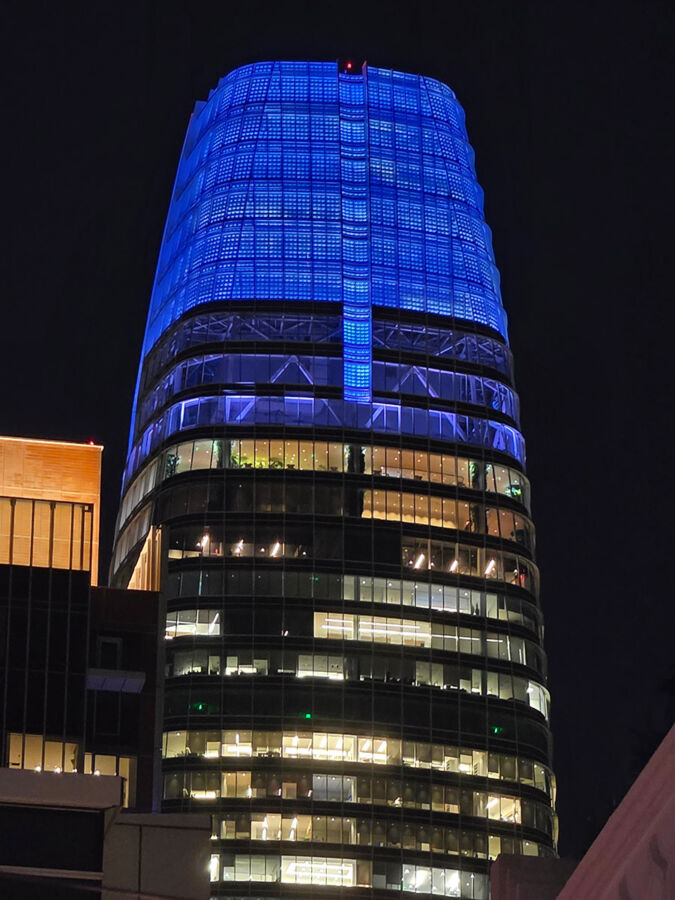








A new 24MP Photo Mode steps things up even further. It blends multiple 12MP exposures to cut noise and brighten tough lighting, then layers in detail from a high‑resolution 50MP capture. The result is a crisp, balanced image that looks polished straight from the camera. And now, you can turn on 24MP mode right from the main camera app through Samsung’s Camera Assistant app, which you can download from the Samsung App Store. The option is located under Photos > Advanced resolution options > 24MP resolution.
4. Ultra Gaming Prowess
Opening apps, switching between them, and juggling multiple tasks at once all happen with a snap thanks to the customised Snapdragon 8 Elite Gen 5 Mobile Platform for Galaxy. The CPU’s 19% performance bump isn’t just a statistic, you notice it when the phone keeps pace with complex workloads without hesitation. Galaxy AI features, powered by a 39% stronger NPU, are always-on and seamless, whether it’s live translation or AI photo editing, they run in the background as swift as ever. And when it comes to gaming, the 24% GPU boost offers richer visuals, smoother animations, and stutterless gameplay.
Sustaining that performance is where the redesigned Vapor Chamber comes in. Samsung has reworked the thermal system so heat spreads more evenly across the processor, and in practice, that means the phone stays cool even when pushed hard, recording 4K video, running demanding apps, or losing track of time in a marathon gaming session. The consistency is impressive, and instead of warming up uncomfortably, the S26 Ultra maintains its stride.
5. Upgraded Super Steady with Horizontal Lock
Motion video shots now feel smoother than ever, thanks to the upgraded Super Steady mode, which now adds a Horizontal Lock. That extra stability made it easier to keep framing consistent, even while moving quickly. It truly is something to behold, and best showcased with a video. Check it out below:
6. Better AI across the board
The Galaxy Ultra 6 is also packed with a significant amount of AI improvements. The upgraded Photo Assist feels like having an instant photo editor on standby. You just tell it what you want, switching day to night, filling in missing details like a bitten cake, taking a picture of a cap or sunn glasses and adding it to a specific person in the photo, or even swapping outfits completely, and it does the work instantly. What stands out is the fluid editing flow, where every change can be reviewed, adjusted, undone, and separate copies saved, so nothing feels locked in.
Now Nudge keeps you moving without breaking stride. When a friend asks for trip photos, the phone surfaces them right from the Gallery. Messages about meetings trigger smart checks against your Calendar, saving you from juggling apps or missing conflicts. These appear seamlessly within your messaging app of choice such as texting, Telegram or WhatsApp, as long as the Samsung keyboard is enabled for use.
Call management has gotten smarter too, with AI Call Screening that handles unknown numbers, by automatically answering the call and summarising intent so you know whether to pick up or pass. Similar to Apple’s recent implementation on iOS 26, the one limitation at the moment is that this only works with normal calls at the moment, so digital-only calls via apps like Telegram and WhatsApp won’t be able to enjoy this feature. Another slight downside to this is that you would have to remember to manually disable this feature when you are overseas. The call screening would incur trunk call charges.
For everyday tasks, the Document Scan is a quiet game-changer. Creases, fingers, and shadows vanish, leaving clean scans ready to go. Multiple pages stitch themselves into a single PDF, making digitising receipts or notes effortless.
The best way to understand all these AI improvements is to see them in action, so check out the videos below, and decide for yourself how useful they are to your lifestyle.
Yonk is a geek who is fortunate enough to have an equally geeky Star Wars fan for a wife, who owns a LEGO Millennium Falcon encased in a glass coffee table as their home’s centre-piece.
 Si Jia
 Kevin Low