Despite the introduction of tablet computing to the masses in 2010 with Apple’s iconic iPad, the category’s place among users has been fragmented. More portable than a laptop, larger than a smartphone and running on a mobile operating system, it offers a little bit of many things, but not enough to offer that one thing to make tablets a must-have. But this has not stopped a large number of Android hardware makers – Google, Xiaomi, Samsung, Lenovo, etc, from continuing to carve out new models, though not as frequently as Apple, which has easily dominated the space.
But if you’re not interested in the need for a keyboard accessory to turn a tablet into a laptop, nor heavily invested in tapping on the artificial intelligence functions that many hardware makers are building into the device, Android makers such as Xiaomi are doing an amazing job in making premium tablets that perform at a fraction of the price.
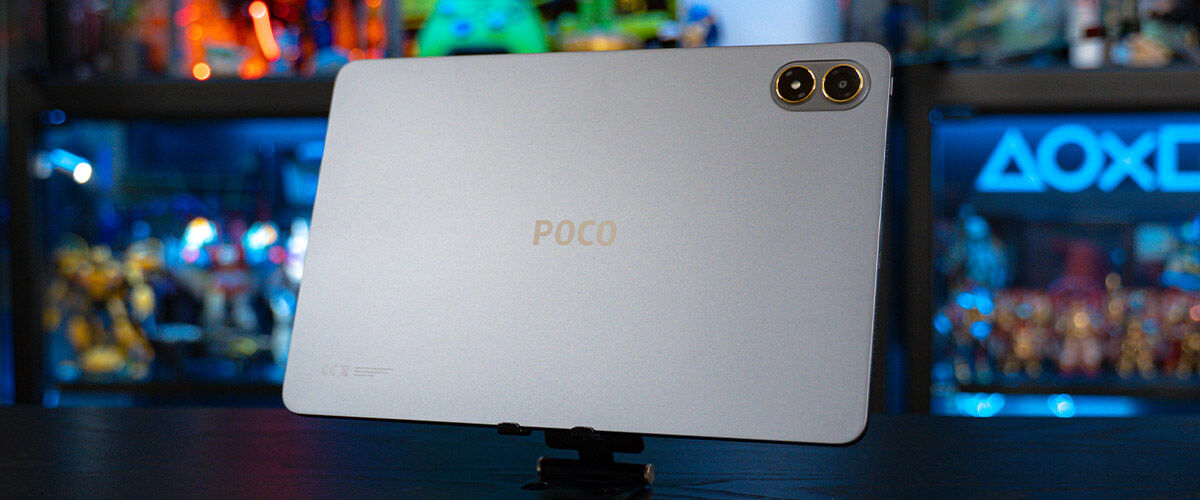
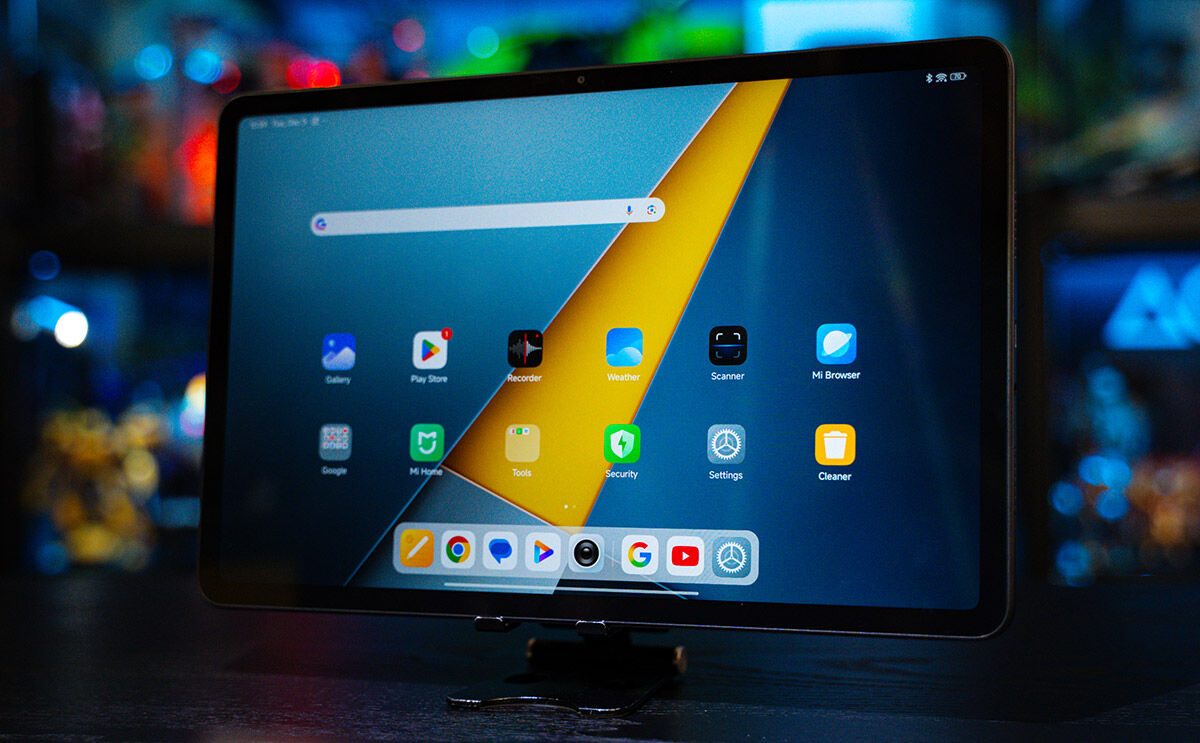
The first thing you’ll notice about the Poco Pad M1 is the metal unibody chassis around the 12.1-inch display. A sub-brand under the well-known Xiaomi brand, Poco offers high-performance hardware at comparatively low prices and for S$399, you get a 120Hz, 2.5K crystal-clear screen with 16:10 aspect ratio and a resolution of 2,560 x 1,600. At these specifications, this mid-range device offers a better than average display for watching videos, streaming content, reading books and comics.
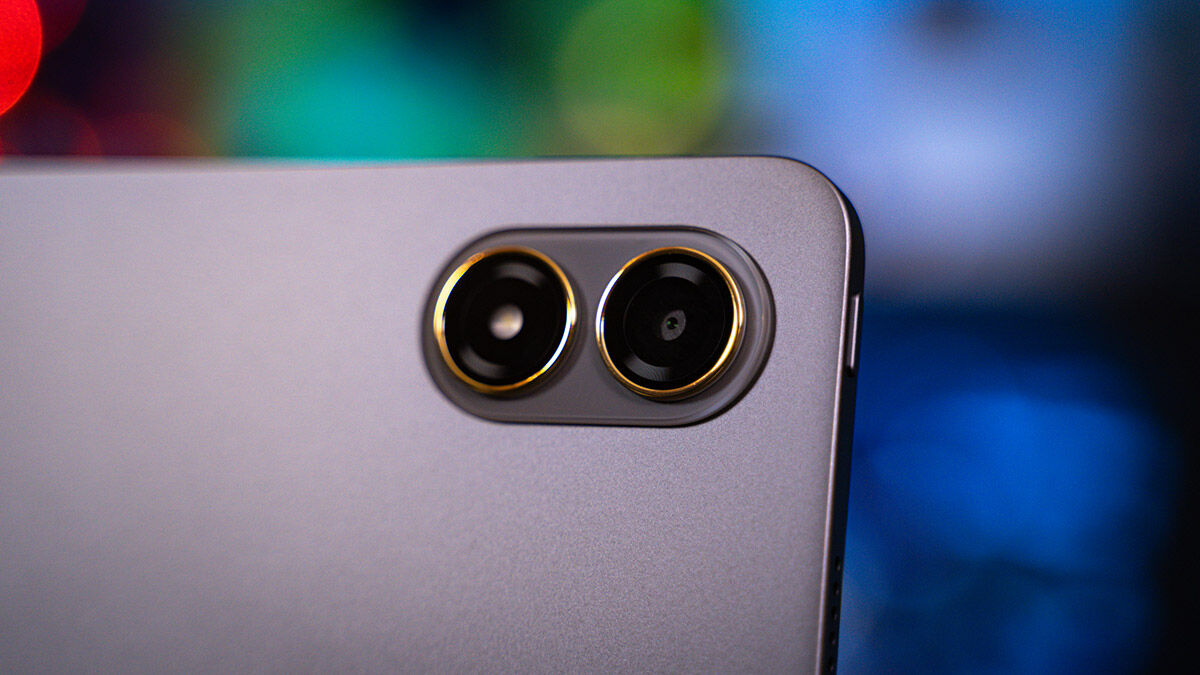
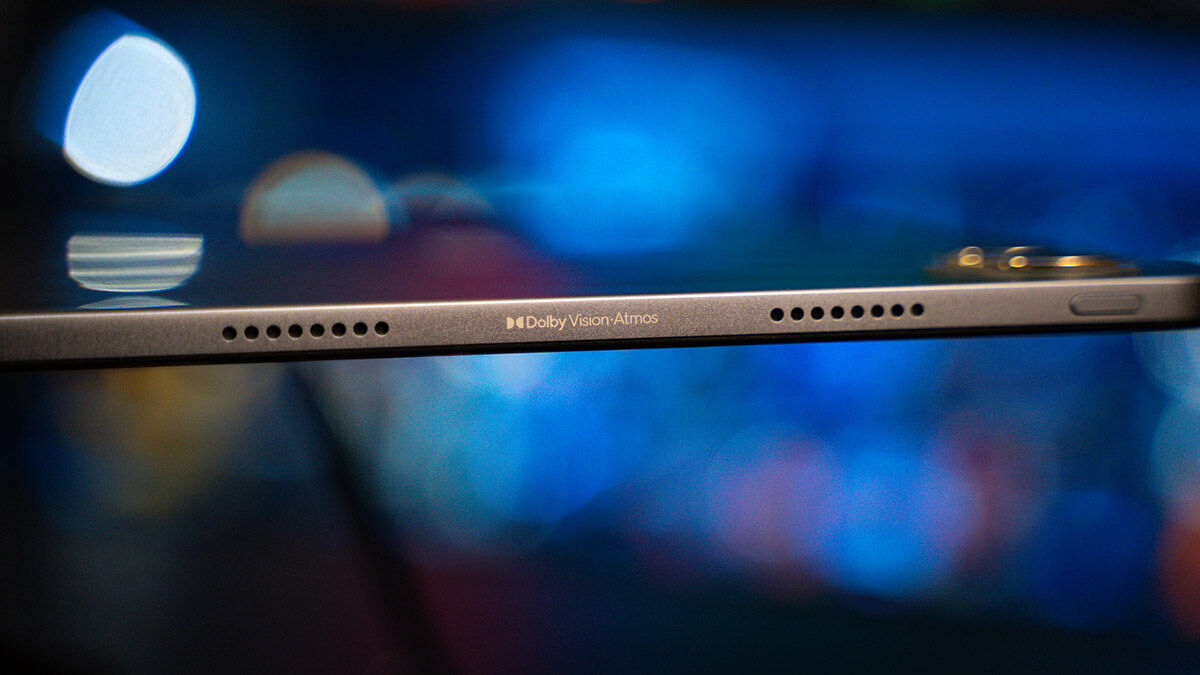
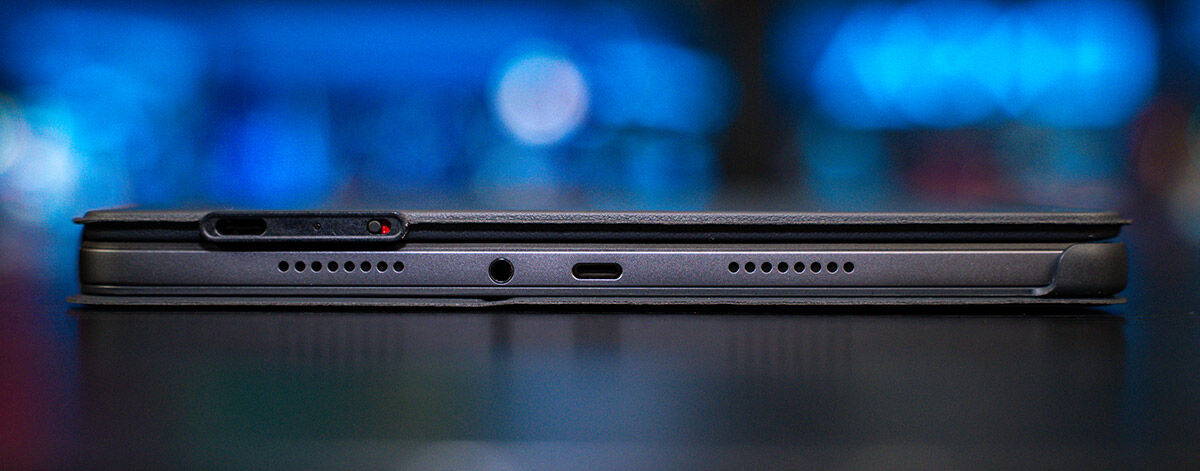
Powered by the Snapdragon 7s Gen 4 Mobile processor, the Octa-core unit comes with a 2.7 Ghz Adreno GPU for handling games and other apps. Design-wise, it shares many aesthetics as other Android tablets, including that of a laptop, in that its 279.8 x 181.65 x 7.5mm profile is for a horizontal orientation. When positioned this way, the top edge houses the Volume controls and a removable tray to house an SD card that supports up to 2TB of external storage, and just along this edge is the front 8MP front camera. On the left is the Power button and two speakers, which when combined with the other two on the right edge, offers Dolby Atmos stereo audio. The right edge also has the USB-C port, and surprise, a 3.5mm port for wired earphones.
Running on Xiaomi HyperOS, the company’s own version of Android 15, the interface remains the same to long-time Android users, and anyone can easily navigate it to download apps via the Play Store.
Shows via Disney+ and Netflix appear beautifully on the screen, offering sharp details and vivid colours, with up to 600 nits of brightness. With games, recent top titles including Genshin Impact and Where Winds Meet ran smoothly, and touchscreen controls were able to keep pace with the frenetic action of both games. The various voice actors from Where Winds Meet were sharp, providing a depth to the game and performance that matched the same visuals and audio as on an iPad Pro.
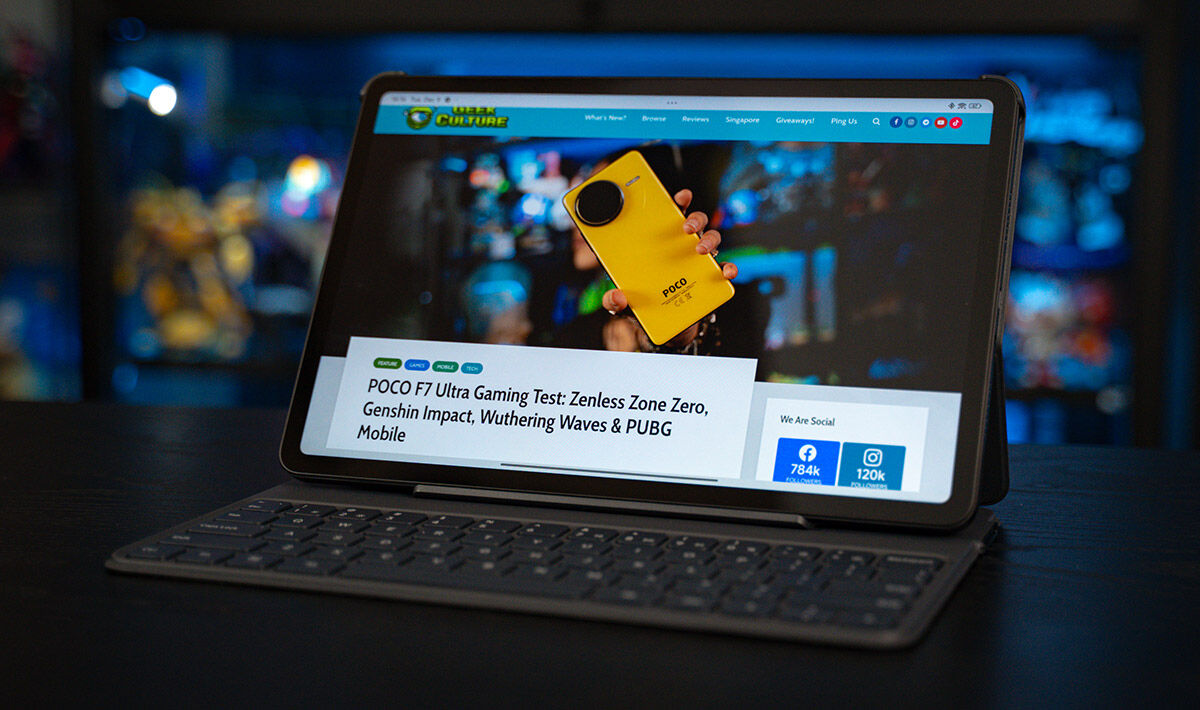
The curious thing about a horizontal profile is that most folks will grip the left and right edge of the unit for stability, and this effectively blocks out the audio ports on both sides, so you will need a hands-free option if you don’t use earphones, and that’s where the Pad X1 keyboard comes in. This S$69, 64-key fold-open accessory turns the tablet into a laptop, and you can rest the unit at a 120-degree angle to type on the well-spaced-out keys.
On the Geekbench 6 benchmark test, the unit registered a single-core score of 1,229 and a multi-core score of 3,258, comparable to the single-core and multi-core score of 1,221 and 3,193, respectively, of the Samsung Galaxy S21 Ultra, released in 2021.
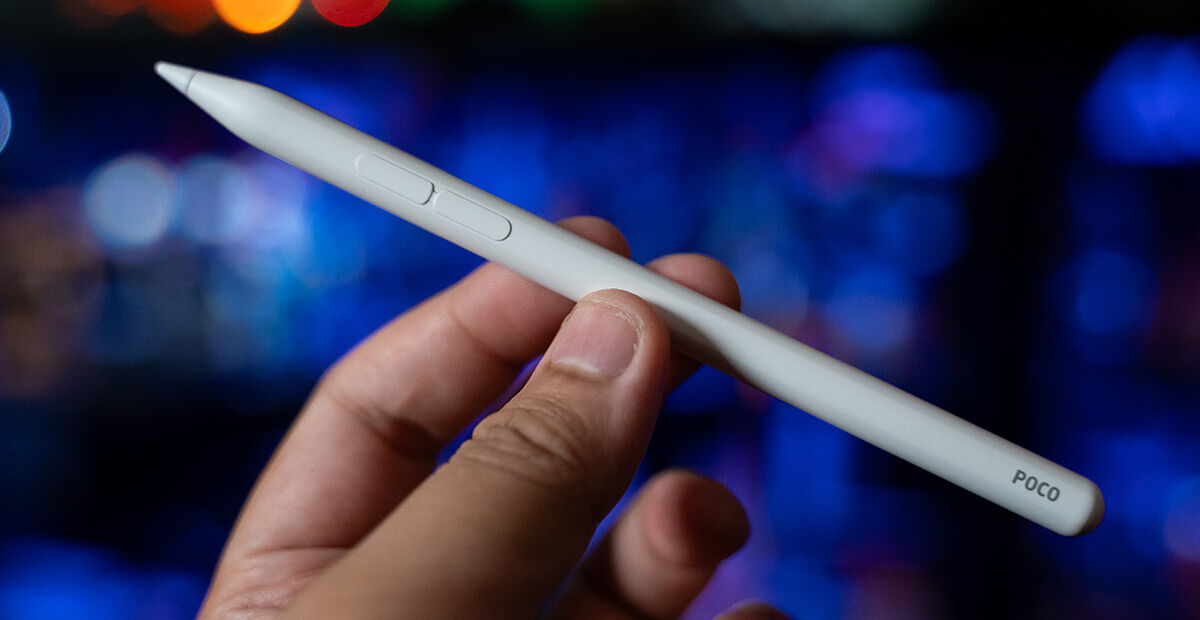
For those looking at writing or even drawing on the Pad M1, Poco has you covered with the S$69 Focus Pen, a 16cm long, two-button white stylus for that precision input. The two-button stylus, along with a USB-C charging port, means it lacks a visual polish but it works like an Apple Pencil, and you need one button to activate the writing, if you’re on a browser for instance, and the other to take screenshots, by drawing a rectangle on any area within the display.
The Pad M1 also comes with a massive 12,000mAh battery, providing a full day of use. There’s no cellular option, so the battery drain here isn’t an issue, and if you do run out of juice, it comes with a 33W charger that can quickly charge up your tablet. There’s also a 27W reverse charging, so you can also use it to charge your wireless earbuds or even smartphone if needed.
As tablets go, this is the perfect entertainment tool at an affordable price – it can be used for playing games or catching streaming shows, and offers a level of productivity and convenience unmatched at this price.
GEEK REVIEW SCORE
Summary
The Poco Pad M1 shows that you don’t need to pony up for performance. Even if you spend on the keyboard and pencil, the combined S$537 price tag means you’re getting performance and productivity in the form of a tablet, laptop and artist tool.
Overall
8/10-
Aesthetics - 8/10
8/10
-
Build Quality - 8/10
8/10
-
Performance - 7/10
7/10
-
Value - 9/10
9/10
-
Geek Satisfaction - 8/10
8/10

Hsals needs more space in his house, and more money in his bank account to pay for all the toys, collectibles and other geek related items that companies are churning out. Free-time? Girlfriend? Who’s got time for those?

 Kevin Low