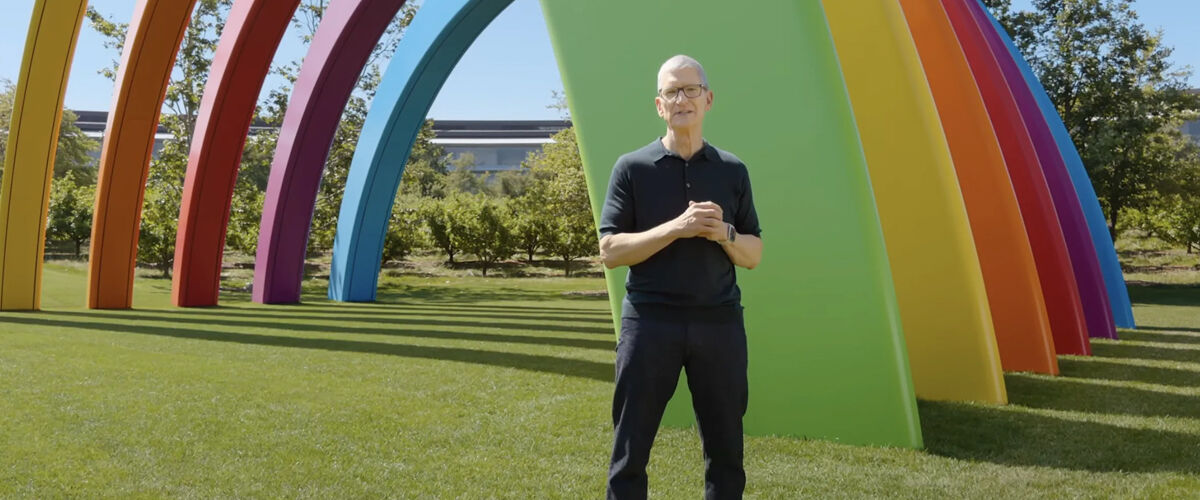
It’s been a long time coming, but Apple has finally unveiled the next generation of its AI assistant. Announced at its annual Worldwide Developer Conference (WWDC) keynote this year, which marks outgoing CEO Tim Cook’s last before John Ternus takes over in September, Siri AI is modelled after the idea of turning it into an AI companion with personal context understanding and will be getting a dedicated app for the first time.
Powered by Apple Intelligence, it touts on-screen awareness that can access information on a user’s display and respond based on the content, such as where a particular location in a photo is, as well as draw on their personal messages, emails, gallery, and more to surface relevant details — whether it’s fishing a hotel confirmation number out of a stacked inbox or finding the name of a restaurant mentioned by a friend in a text. The software also taps into web knowledge to answer questions on a specific topic, with users able to extend the conversation by asking follow-up queries, similar to AI-powered platforms like ChatGPT, Claude, and Gemini. Text cards with results will then appear, no matter the use case.
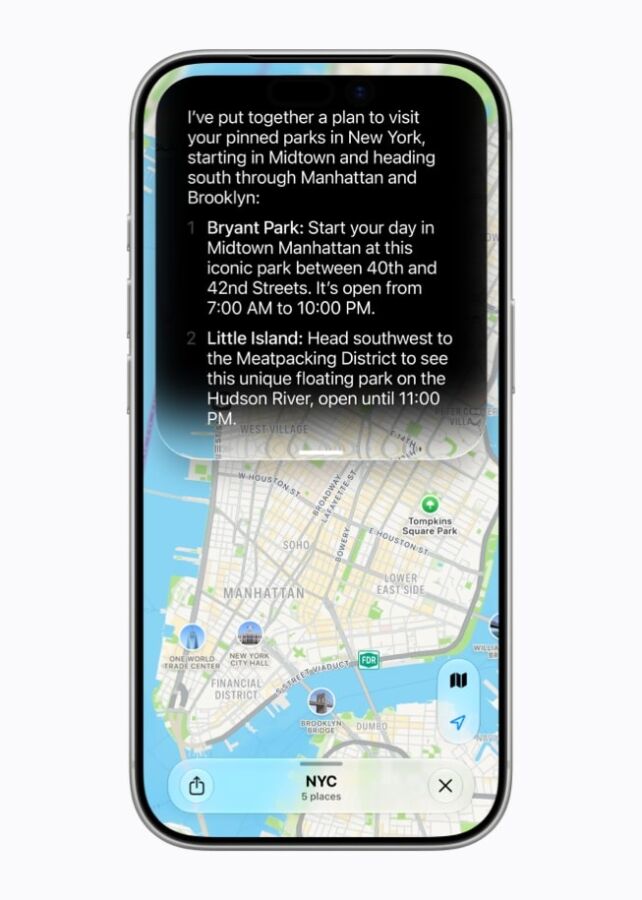
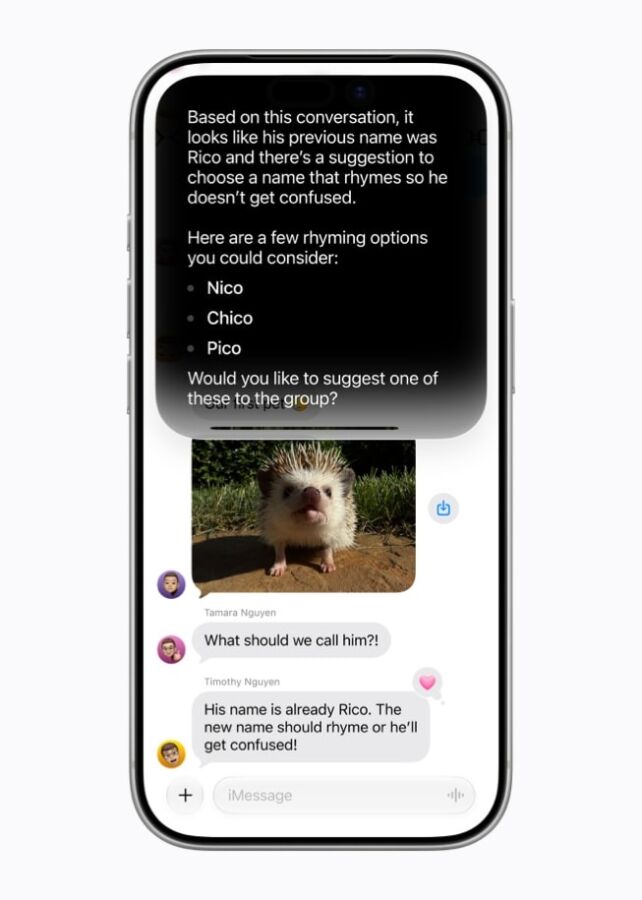
Alongside the app integration that syncs conversation history across devices via iCloud, users can expect to write and edit using Siri AI, swipe down from the Dynamic Island to search, and customise the speaking voice via new pace and expressivity sliders with more accurate dictation. Additionally, the assistant is expanding to CarPlay and AirPods, while Apple Watch users can now activate Siri AI from their wrist. Visual Intelligence, similarly, is coming to iPad, Mac, and Apple Vision Pro.
When it comes to Apple Intelligence, the Cupertino giant joined forces with Google and its Gemini family of models to power next-gen experiences. The suite of updates is set to roll out across its major apps, including tab management for Safari that automatically groups tabs by topic — plus suggest and add related ones to an existing group — and AI-powered reply suggestions for Messages, which can now match a user’s personal writing style. In Shortcuts, a natural-language description is all that’s needed to automatically build a shortcut, eliminating the need for putting together a workflow manually.
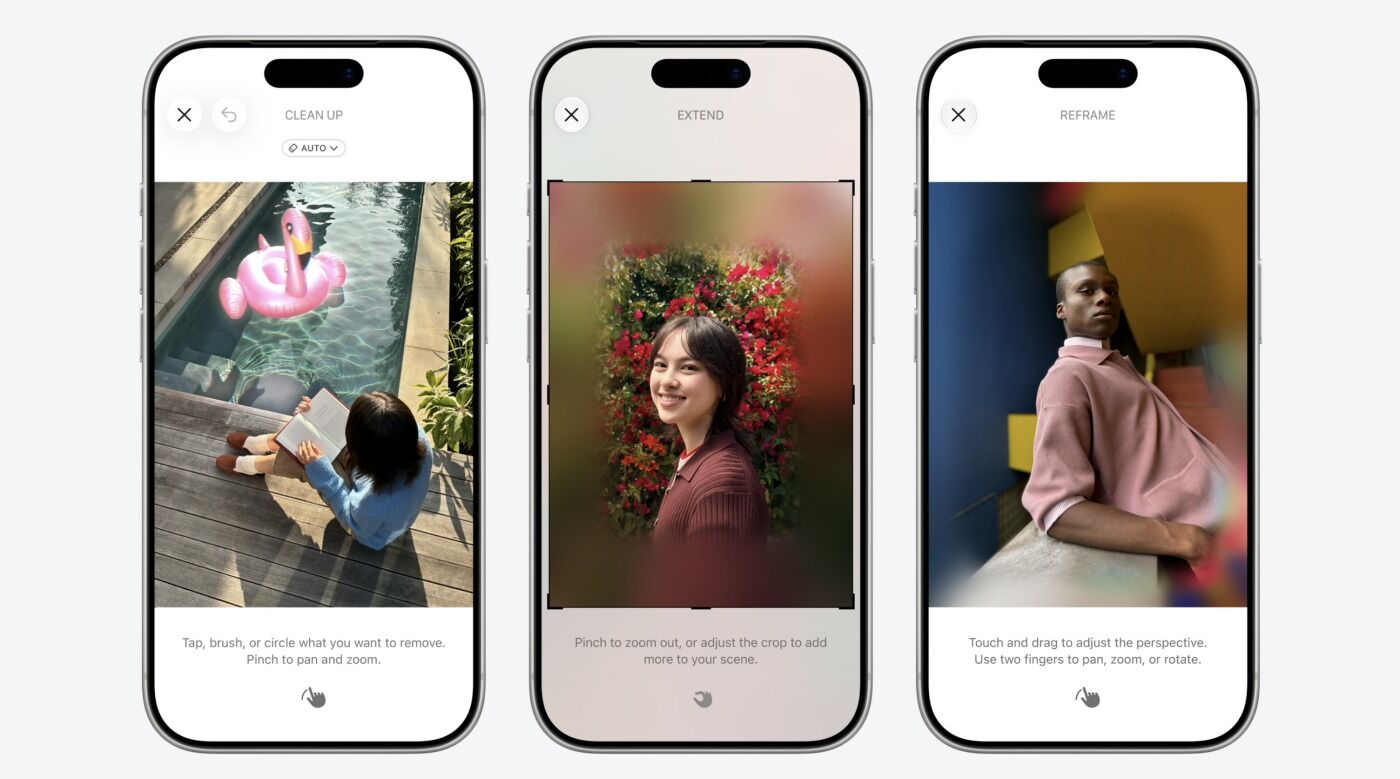
Photo editing and image generation are also getting a boost. The new model for Image Playground, running on Private Cloud Compute, offers photorealistic output, and individual objects can be edited or selected by tapping and circling them. Photos edited with AI now carry a hidden SynthID watermark, and adjustable dimensions allow them to fit different formats. As for the Photos app, updates include a spatial Reframe feature for repositioning the subject within a frame, the Extend tool that expands the borders of an image to add more breathing room (think Generative Fill in Adobe Photoshop), and an improved Clean Up, which removes distractions with better and more realistic quality.
Elsewhere, parents can turn to new parental controls and child safety tools, designed with encouraging healthier digital habits in mind. A revamped child account setup experience lets them choose exactly which apps can be accessed, while the Ask to Browse feature on Safari requires parental approval before visiting any new website across iPhone, iPad, and Mac. Screen Time makes it possible to view a child’s device usage at a glance via a cleaner dashboard and make adjustments on the fly, and the existing Community Safety now flags and blocks gore or violent content in shared images and videos.
Other notable WWDC 2026 announcements include perimenopause and menopause insights in Cycle Tracking, design tweaks to its Liquid Glass language, such as sharper icons and a new opacity slider, an 80 percent increase in AirDrop transfer speeds, overhauled Search capabilities, and iOS 27 support for iPhone 11 and newer devices. The beta of iOS 27, iPadOS 27, macOS 27 Golden Gate, watchOS 27, and visionOS 27 is available to users with an Apple Developer account, with a public beta scheduled for July.

Si Jia is a casual geek at heart – or as casual as someone with Sephiroth’s theme on her Spotify playlist can get. A fan of movies, games, and Japanese culture, Si Jia’s greatest weakness is the Steam Summer Sale. Or any Steam sale, really.

 Kevin Low