
Even the most vocal critics of Apple products will acknowledge that the American tech giant’s line-up is known for one thing – the ability to maintain a level of performance and value years after they are released. The likes of Samsung, Dell, HP, Xiaomi, Lenovo and more only wish that their products had such a reputation for consistency, but the flip side of this is the tacit recognition that the company has established this because they are rather predictable.
Annual leaps in upgrades aren’t the way to go, and each year, Apple upgrades are a small repeat of the previous year, with some minor improvement – a chip bump here, a slight battery optimisation there, as well as maybe better camera enhancements all around, supported by improved software, to deliver a powerful but unsurprising performance. But that era of playing it safe with the MacBook Pro is over.
Wrapping up 2026 is the Apple MacBook Pro (MBP) 14 PROLED XDR, the best MBP out there but now with a touchscreen, marking the very first for a laptop in the history of a Mac. Boosted by the incredibly powerful M5 Max or M5 Pro Apple Silicon chip, and in a surprisingly much thinner aluminium chassis, this is the huge change to the MacBook that Steve Jobs famously said Apple would never make.
But this is a different era, as the touch interface has become the modern technological standard, where children happily reach out to touch the TV screen in an infantile attempt to change the channel, and they also become the first in the family to ride in an electric car and automatically reach for the touchscreen display on the dashboard to interact with the controls.
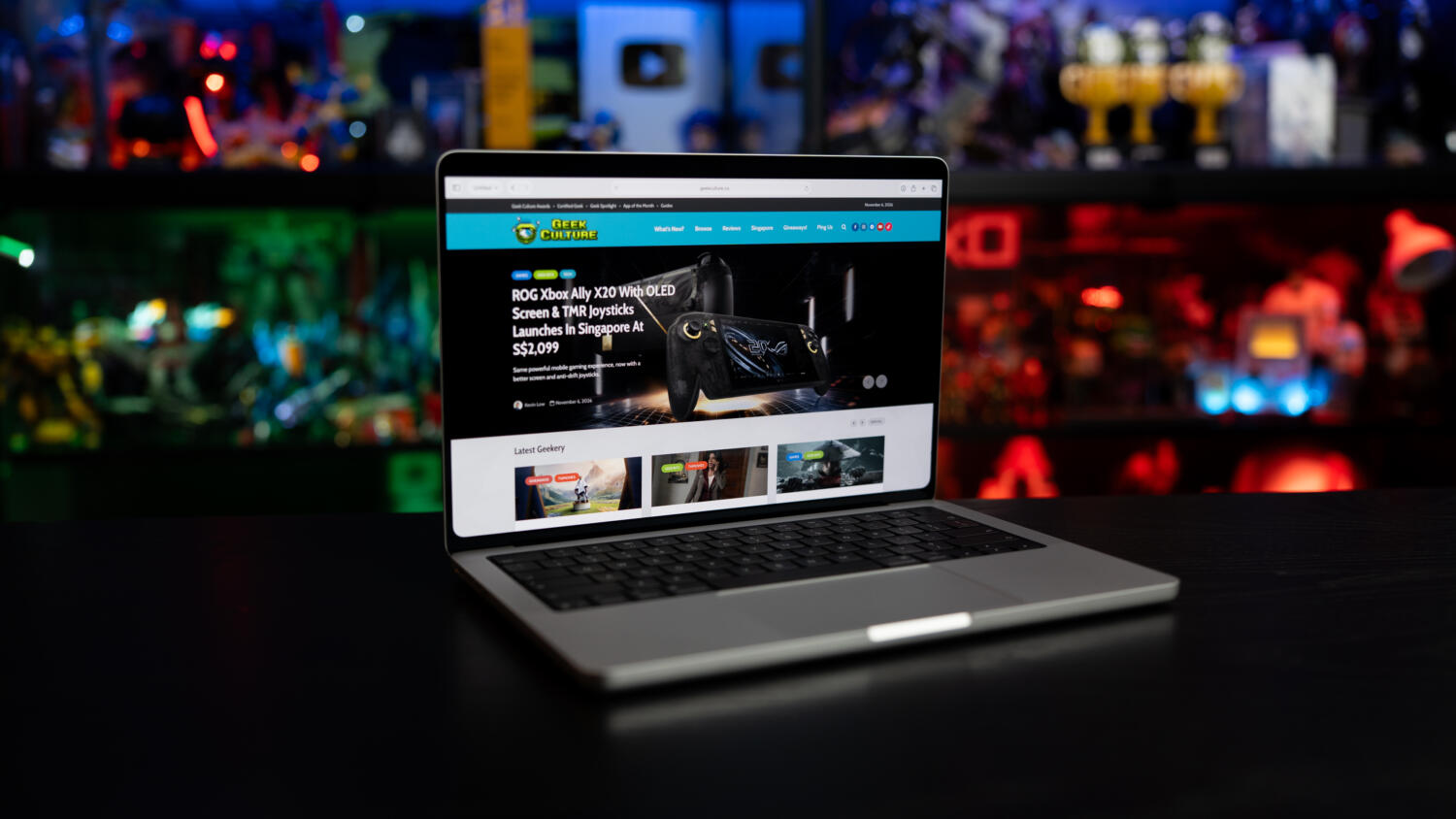
Still, as someone who insists that their laptop display be kept pristine, without dust or smudge marks, knowing that you can and probably will regularly touch the new 14.2-inch PROLED XDR screen, all 3,024 by 1,986 pixels of it, will change your workflow, if using an iPad hasn’t yet. Already accustomed to using an iPad Pro with a Magic Keyboard, there have been occasional instances where I automatically tap on the screen of my MacBook Pro 16, thinking it will be easier to scrub through a timeline on Frame.io, or pinch and zoom into an image more precisely than a mouse or trackpad ever could. For those using Sidecar with an iPad as a second display – now you can use your hands on both machines.
Just so we’re clear, this isn’t the first or only touchscreen laptop on the market, and it isn’t trying to be, but the new PROLED XDR display is simply the best laptop screen you’ve ever used, especially if you’re already an iPhone or iPad user. The precision of touch, and intuition of tapping and pinching from those devices are expertly recreated here, so there’s no need to relearn a new interactive interface. We took a few projects previously edited on Adobe Premiere Pro with the Mac Studio and tried them here, and the immersion of being able to glide our finger and cursor across the timeline while pinching it presented us with greater control. Something as simple as changing the lighting during the scene was much easier, as touching the multiple sliders felt more natural, like controlling the exposure dial on your iPhone.
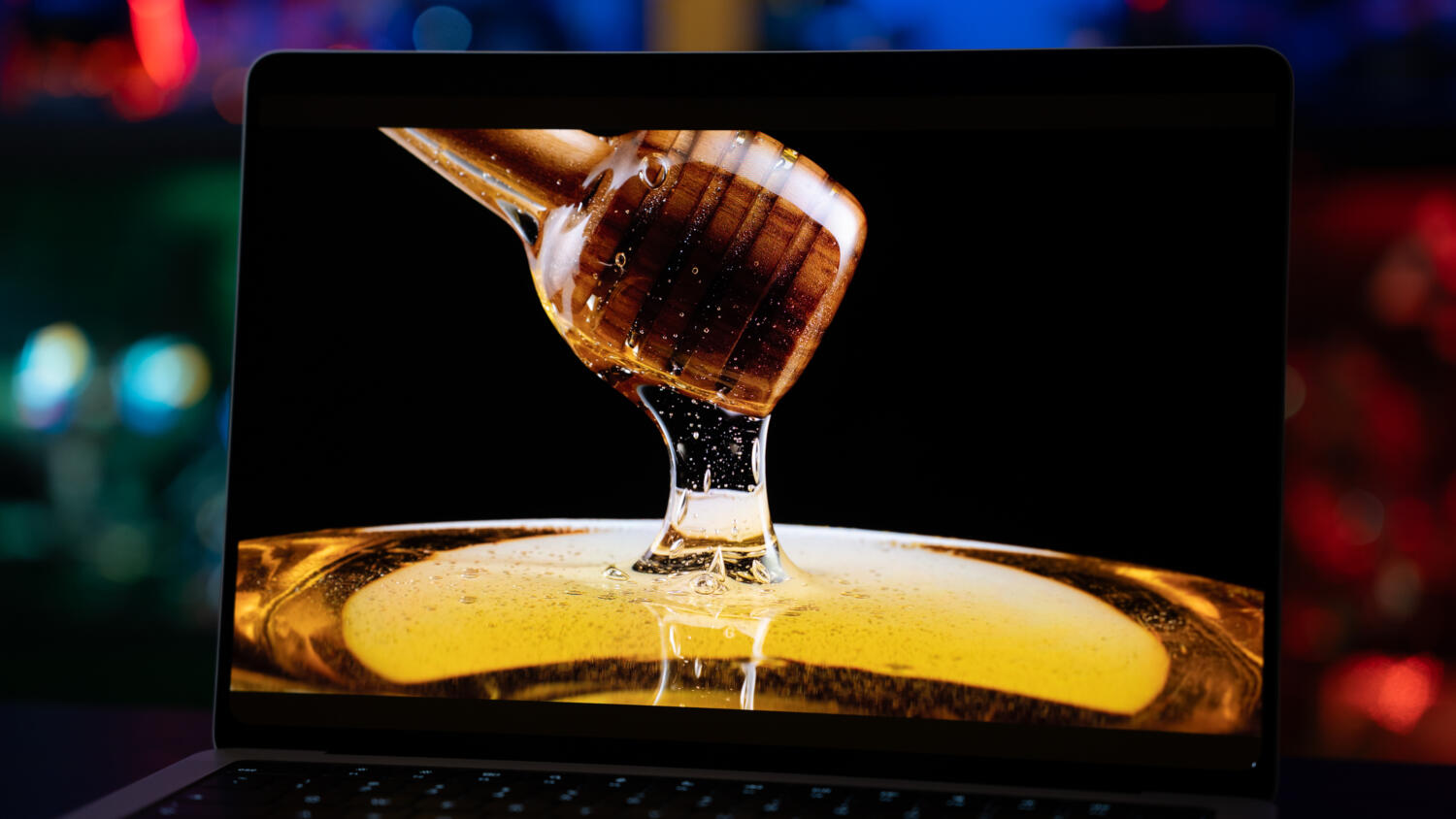
And the Tandem OLED display, which stacks two or more light-emitting layers on top of each other, offers higher peak brightness, is more energy efficient and delivers an amazing 10 million-to-1 contrast ratio. So, whether you are grading HDR footage in Final Cut Pro or just watching 4K YouTube videos in the dark, the screen, with ProMotion 120Hz, delivers mesmerising true blacks with 2,000 nits of peak brightness.
And when your eyes land on the top of the display, another change that will be staring at you is that the display notch is gone, replaced by the iPhone’s Dynamic Island, where your Live Activities, timers, media playback, and more now reside, providing a more consistent interface across the Apple ecosystem. Alas, the new housing, with the standard 12MP Center Stage camera for 1080p HD video recording, doesn’t have Apple’s Face ID, so users will continue to contend with the Touch ID on the keyboard for biometric security.
On top (of the top) of the screen, Apple has also engineered a stiffer hinge, in anticipation that users will apply greater pressure than normal to the screen when poking at it, and this prevents any resulting wobbling. Of course, not everything works as intended, as some applications, even websites, weren’t always designed for a touch interface. On most sites, you can hover your mouse over some text, and the cursor changes from an arrow to an icon of a forefinger pointing, and this tells you there’s an embedded link. When it comes to your finger, though, no such cursor appears, and when you tap on a screen, the cursor never appears, menus might glitch, and you can’t be too sure if you’re tapping on something that’s meant for navigation.
Then there’s the exclusion of Apple Pencil support, the very tool meant to make life simpler for creatives on a touchscreen – digital artists will have to fall back on their iPad Pro for sketching, and this feels like a deliberate omission of a key feature for a touch display.
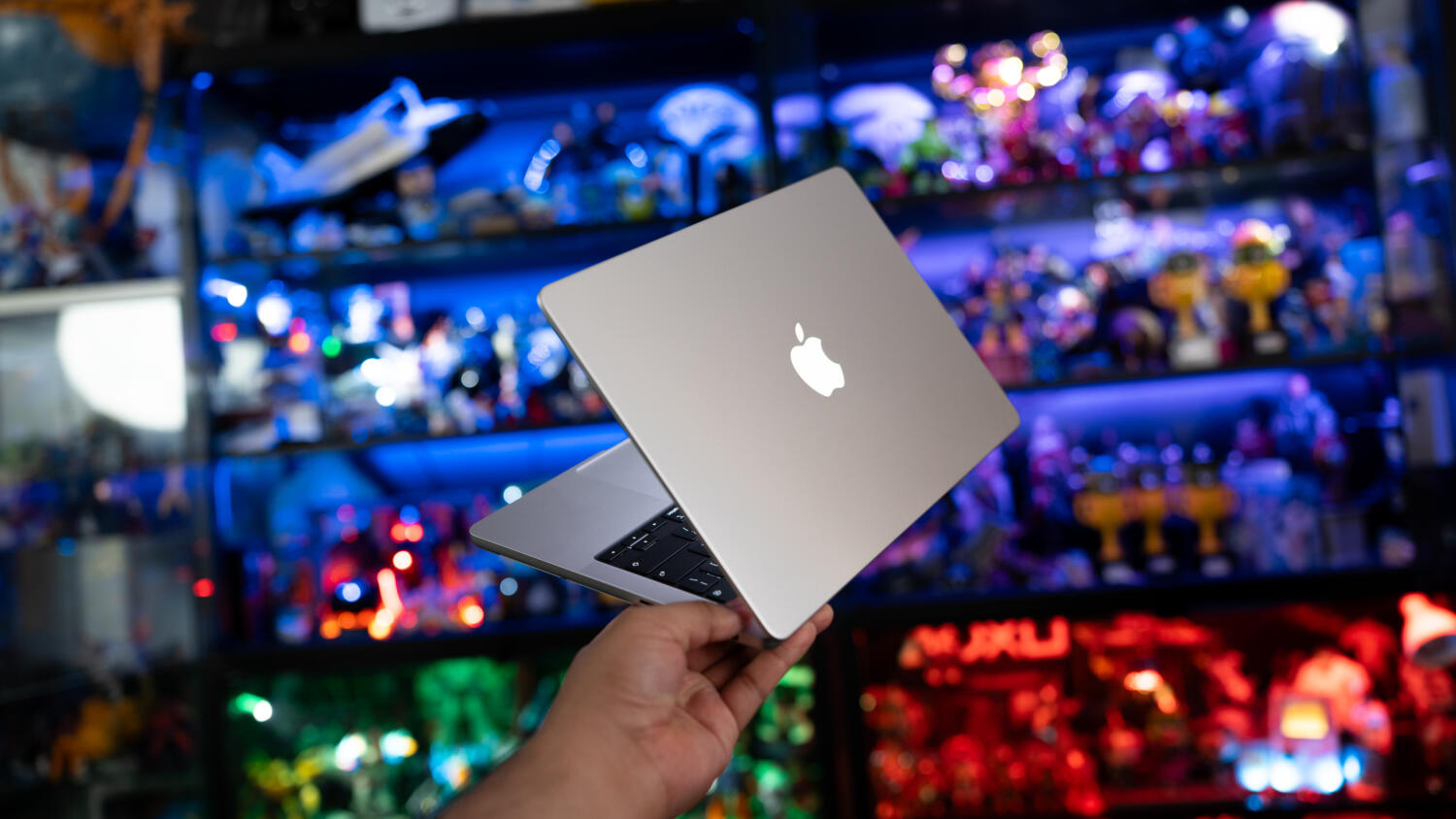
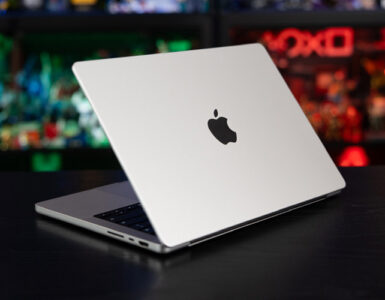
When you first lift the new MacBook Pro 14 out of the box, the difference is immediate because this MBP 14 is actually lighter, at 1.4kg compared to the recent MBP 14 (M6) at 1.55kg. Measuring 31.08 x 21.63 x 1.5cm, the new machine is also thinner as Apple has somehow maintained the same look and feel but redesigned the chassis by shaving off some thickness, compared to 31.26 x 22.12 x 1.55cm of the MBP (M6). Its physical screen dimensions notwithstanding, this puts the MBP 14 PROLED close to the portability of the MacBook Air 13 (M5), at 30.41 x 21.5 x 1.13cm and 1.23kg, and the MacBook Air 15 (M5), which clocks in at 34.04 x 23.76 x 1.15cm and just 151kg.
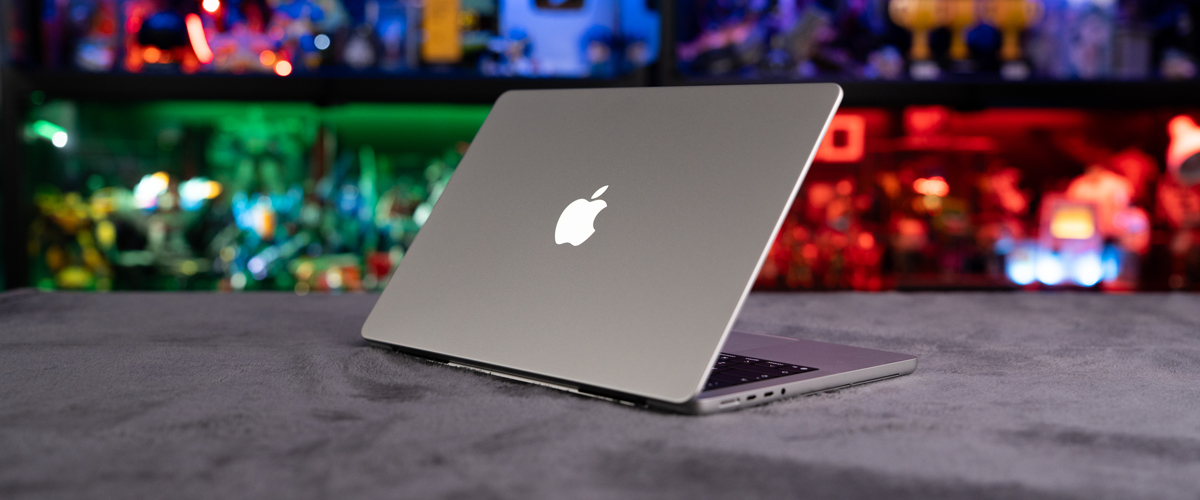
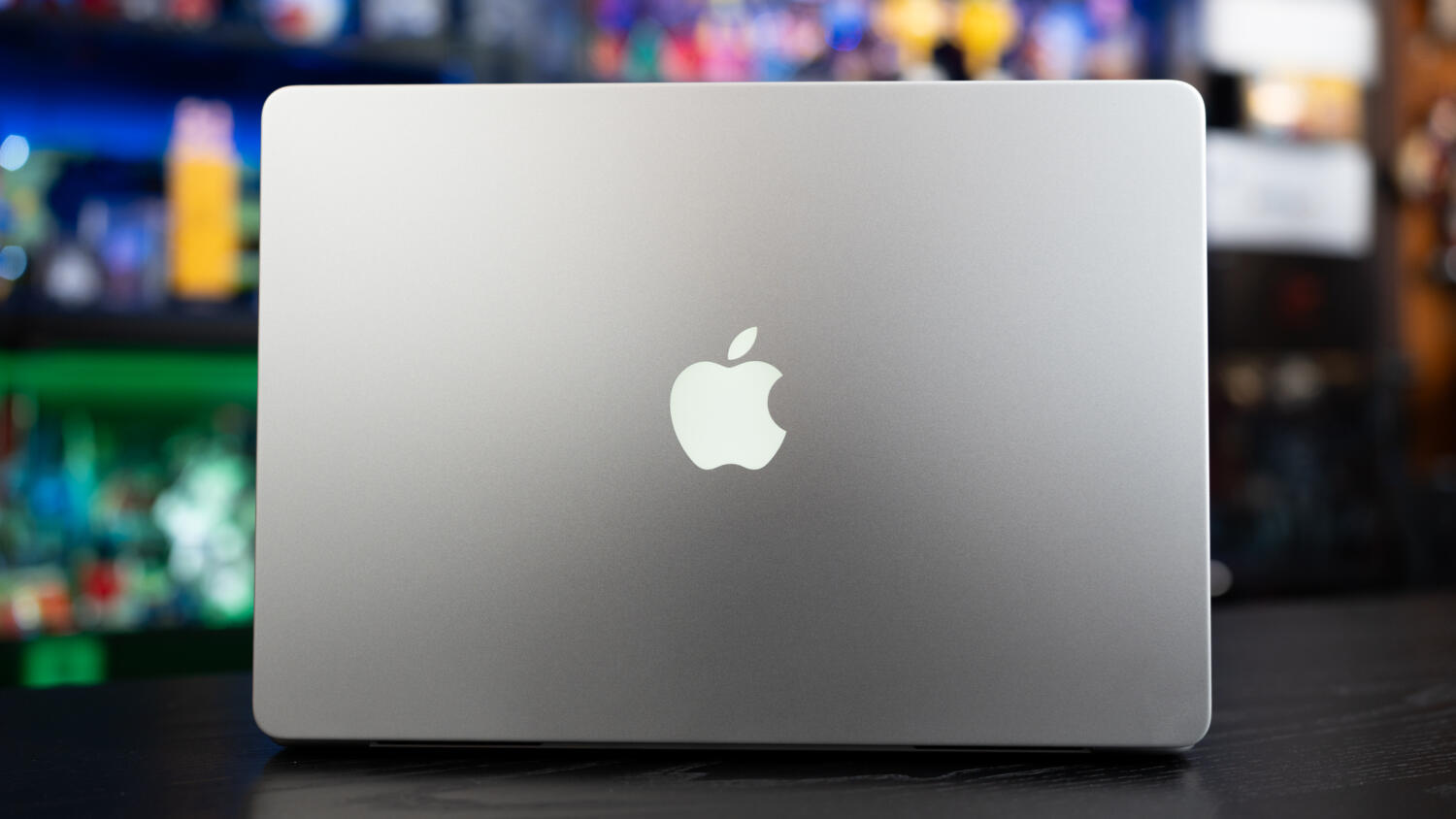
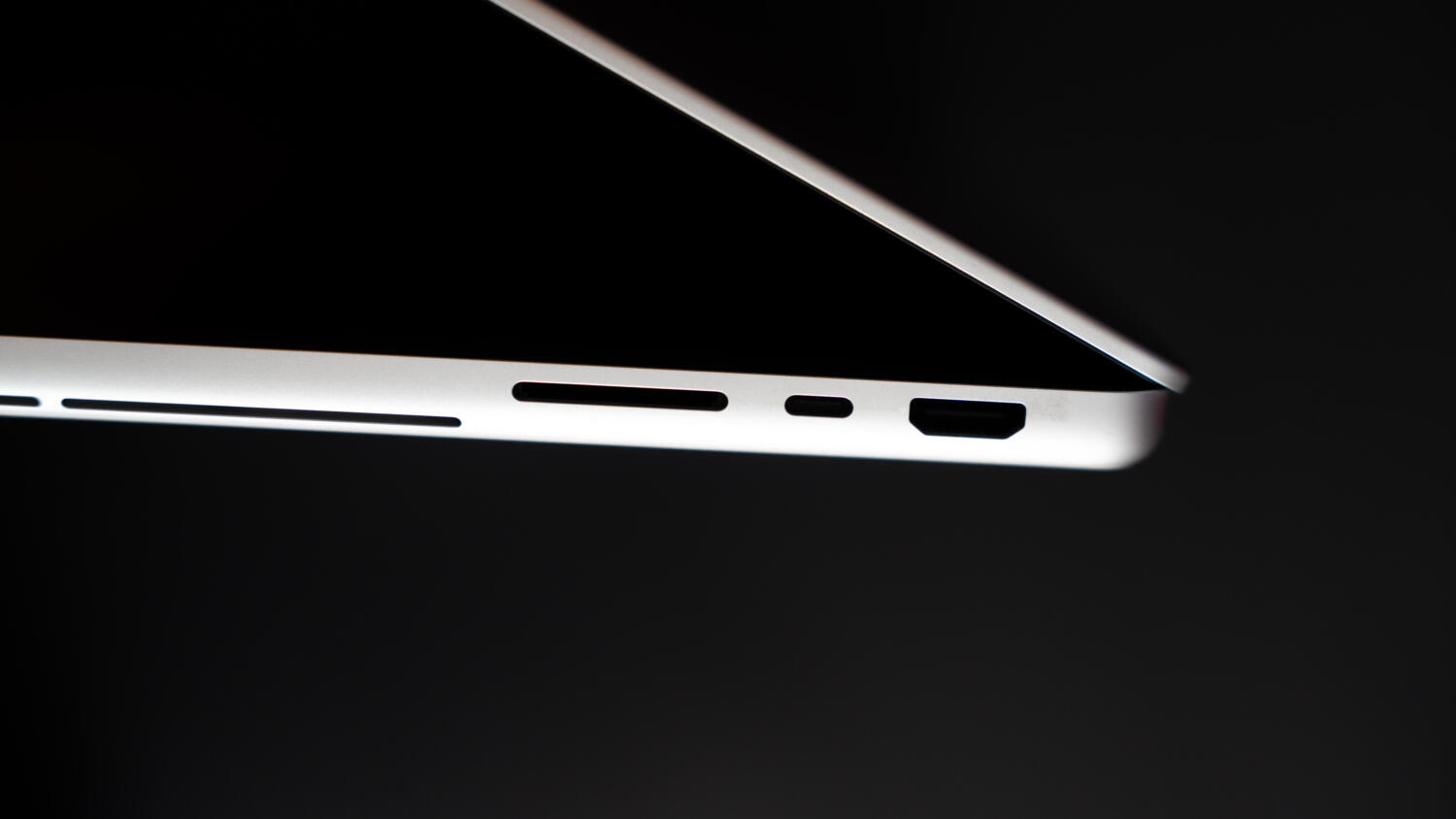
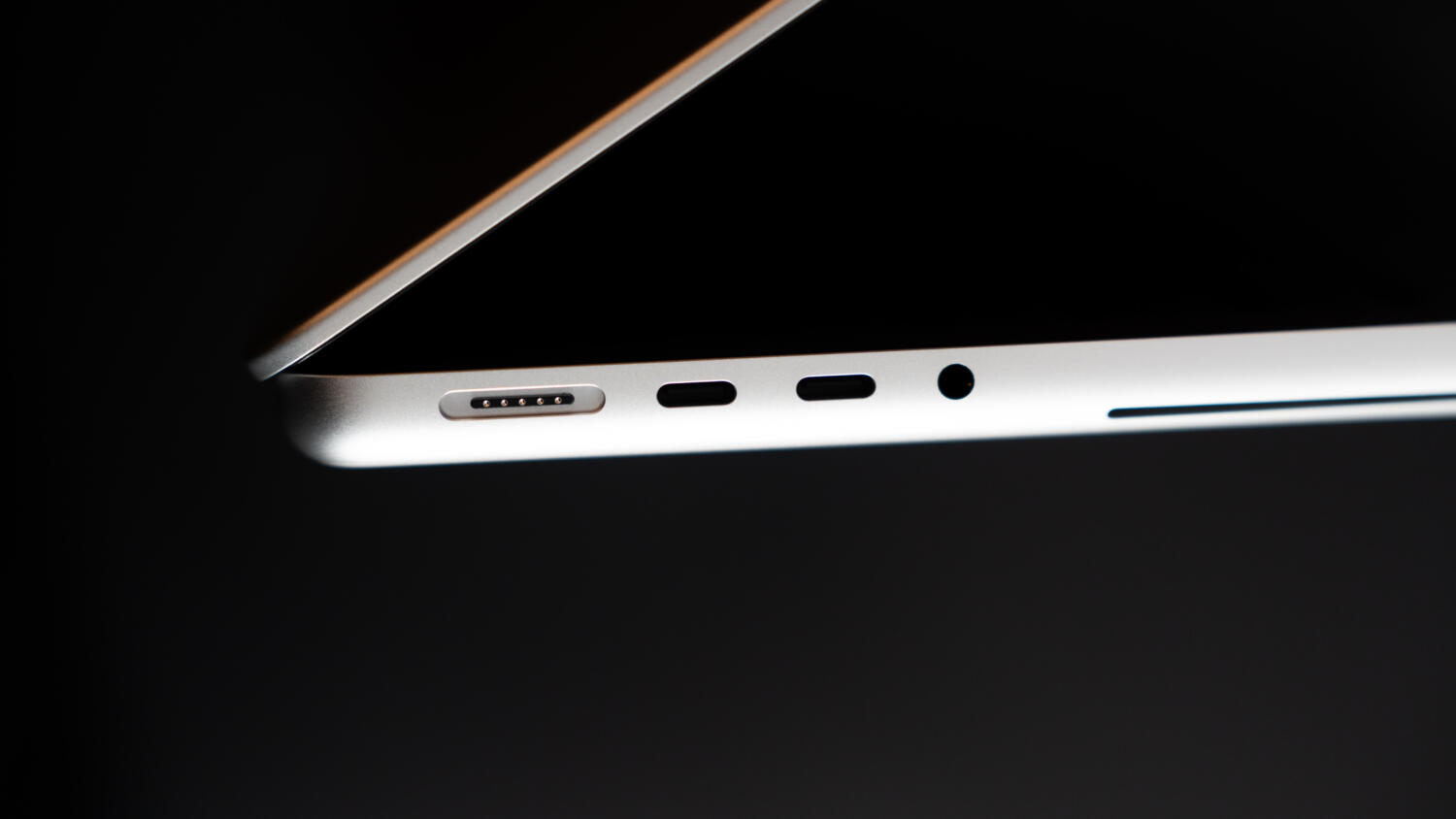
For those who lament the added weight of an MBP, this lighter chassis resets the parameters and bringing this on flights and work travel feels less of a burden and a huge win for those who don’t want to trade portability for raw processing power. Connectivity-wise, this model offers 3 x Thunderbolt 5, 1x HDMI 2.1, 1 x SDXC Card Reader, a 3.5mm headphone jack and MagSafe 3 charging. Another thing you’ll also notice on, or rather, behind the screen, is the much-talked-about return of the glowing Apple logo on the lid. It doesn’t do anything other than glow, but for long-time Apple users, this will put a smile on your face. It’s a great way to inform everyone that you’re using the latest and literally brightest from Apple, with a simple glowing backlight from a different era.
Our review unit is powered by the Apple M5 Max, which comes with an 18-core CPU comprising 6 super cores and 12 performance cores, a 40-core GPU, 128GB of RAM and 8TB of storage for S$14,699, though the base 48GB RAM with 2TB of storage starts from S$7,199. This Apple Silicon option also comes with a 32-core GPU option, with 32GB of RAM from S$6,299. This review unit is also almost identical to the Apple Mac Studio (M5 Max, 18-core CPU, 40-core GPU, 128GB RAM and 4TB of storage), which has a price tag of S$8,599.
The 14-inch touchscreen model also comes with the M5 Pro Chip, which starts with a 15-core CPU comprising 5 super cores and 10 performance cores, with a 16-core GPU, starting with 24GB of RAM at S$3,999, and an 18-core CPU with 6 super cores and 12 performance cores, and a 20-core GPU with 24GB of RAM at $4,249.
And there lies the first major hurdle of the touchscreen – you’re going to be an early adopter, and it will cost you. These prices aren’t geared towards the masses, but for that core group of users who want the flexibility offered by the iPad Pro with the capabilities of Apple Silicon, sans Apple Pencil support.
The performance of the M5 Max chip isn’t in question, as the chip, paired with a 16-core Neural Engine, is clearing benchmarks with impressive results. On Geekbench 7, the review unit tracked a 3,683 single-core result and a 35,198 multi-core score, which matches that of the Mac Studio’s (M5 Max) 3,700 and 34,817, respectively. On Geekbench 6, the results were 4,253 and 29,775 for this machine compared to 4,267 and 29,197 on the Mac Studio (M5 Max).
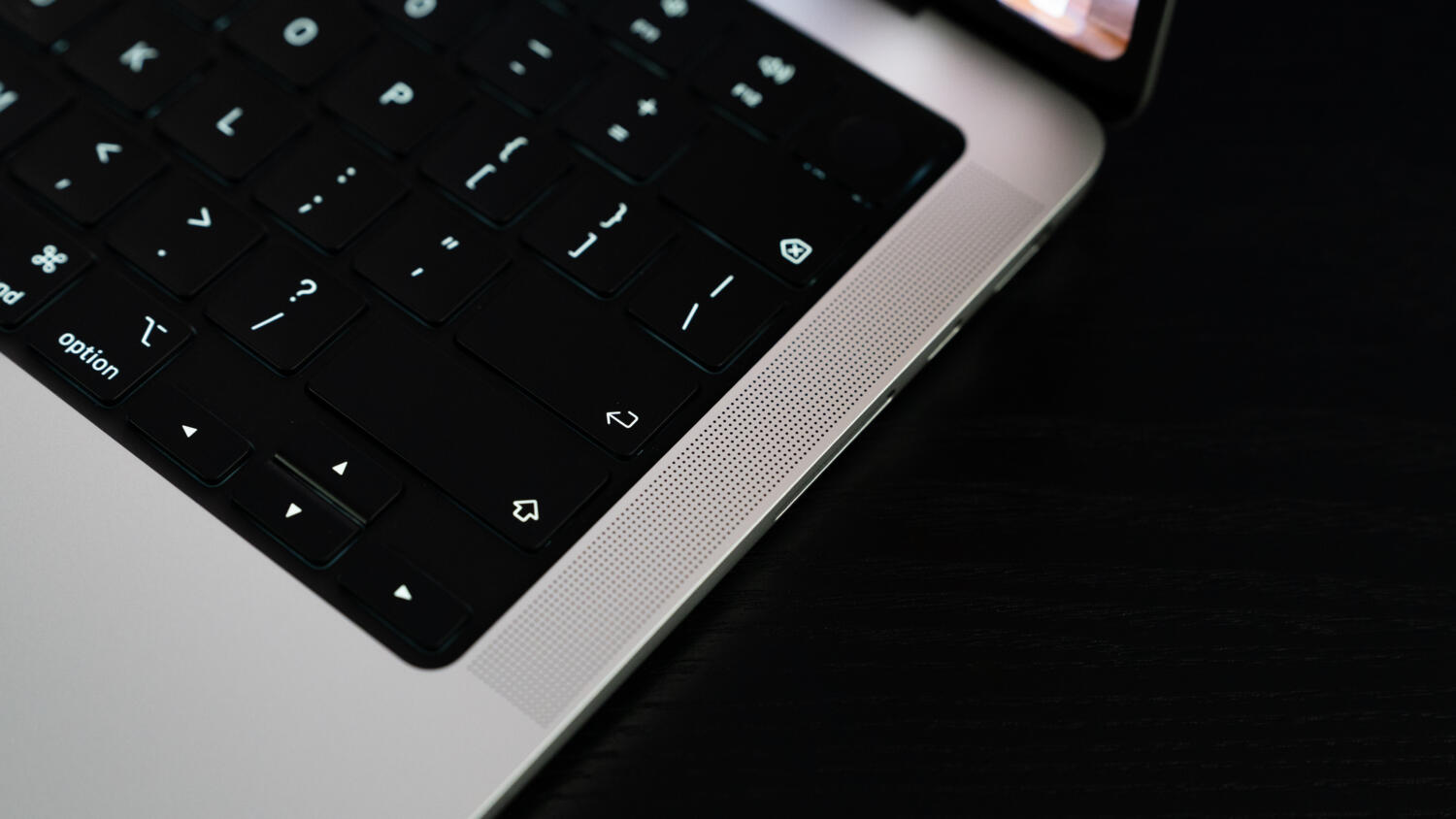
But while the processor can crush its predecessor, the cooling system on the unit can run warmer, and during our use of running dozens of Chrome and Safari tabs while streaming multiple 4K videos, and with Spotify playing while processing 4K videos, the fans turned on much faster and were noticeably louder, but that’s the price you pay for more performance packed into something slightly smaller.
The Apple MBP 14 PROLED XDR is a stunning piece of engineering that brings the precision of touch to the Mac at an equally stunning price. The M5 Max chip continues to shine even as this majestic beast demands that you accept some of its quirks alongside its power and new interface.

Hsals needs more space in his house, and more money in his bank account to pay for all the toys, collectibles and other geek related items that companies are churning out. Free-time? Girlfriend? Who’s got time for those?
 Kevin Low