
Apple has a tendency to create success stories for most of its products, but that journey didn’t always start off smoothly.
The iPod was dismissed as an overpriced MP3 player, and you needed iTunes to make it work? Scoff. Those old enough to remember the first iPad would also recall how it was mocked for being a weird cross between an iPhone and a laptop. And no one would appreciate a square Apple Watch cried naysayers – wrist watches are round! And Apple removed the 3.5mm headphone jack just to sell us pricier AirPods earphones? How dare they!
And we know how these products have fared, with most creating new market segments for others to copy, and more importantly, giving global consumers a product that almost all never knew they wanted, or needed.
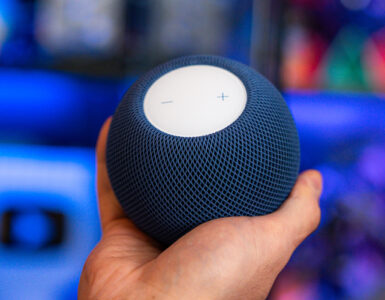
Of course, not everything has been a massive hit, and there are the occasional launches that aren’t exactly trailblazers, such as the HomePods, and the verdict-is-still-out-there status of the Apple Vision Pro, and the company has naturally followed it up with its latest tech introduction, the HomeView – a S$399 smart home display that has been, and this word is used loosely, dominated by the likes of Google Nest Hub and Amazon Echo Show devices that have not exactly been flooding homes around the world.
Why bother with a dedicated smart display that uses voice commands when we can easily prop up a phone on a stand in the kitchen when we need it, or turn an older tablet into a digital album to store our precious photos? Well, Apple thinks it’s a missed opportunity, and with HomeView, the Cupertino tech giant has finally entered the fray with a not-so-secret weapon – a friendlier Siri AI that wants to keep the entire household connected, entertained, organised and dependent on a new gadget.
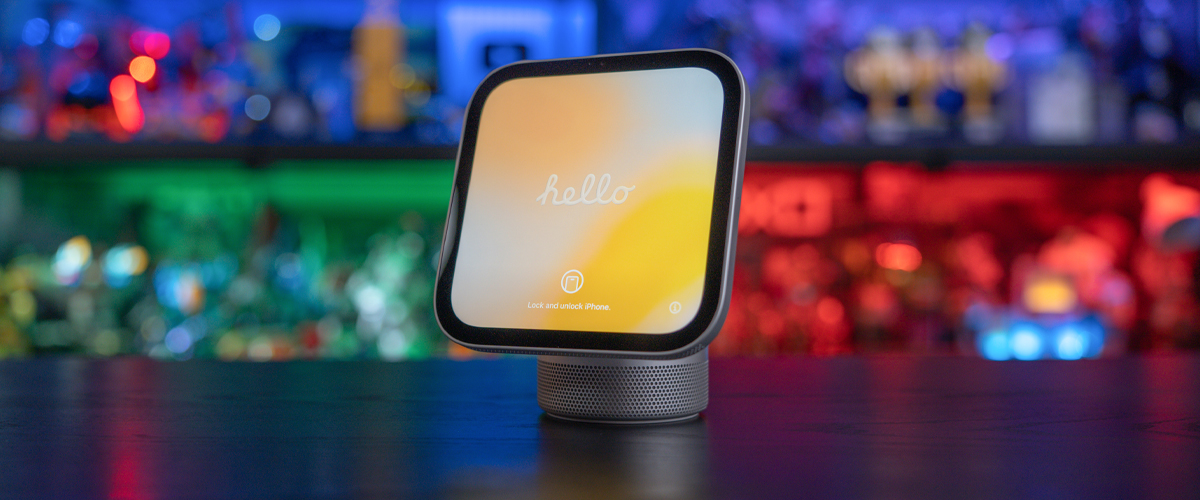
At first glance, the HomeView, powered by the A18 chip, looks unmistakably Apple. Picture a small, dome-shaped aluminium base that looks like a more polished HomePod mini, complete with a stainless steel hinge that connects to an adjustable 7-inch square Liquid Retina display. Yes, it’s the modern offspring of the iMac G4 and Pixar’s Luxo Jr. lamp.
Available in Silver, Starlight, Rose Pink, and Space Gray, there’s also a separate wall-mounted variant in Silver and Space Gray, but no matter which version you opt for, one truth remains – this device was not designed to move around the home. Weighing just 952g and with a compact footprint that is just 14.55cm wide, our standard, non-wall-mounted Silver review unit is sturdy and well-built, and sits comfortably and unobtrusively on the dining table, aside from the cable that connects to the wall socket.

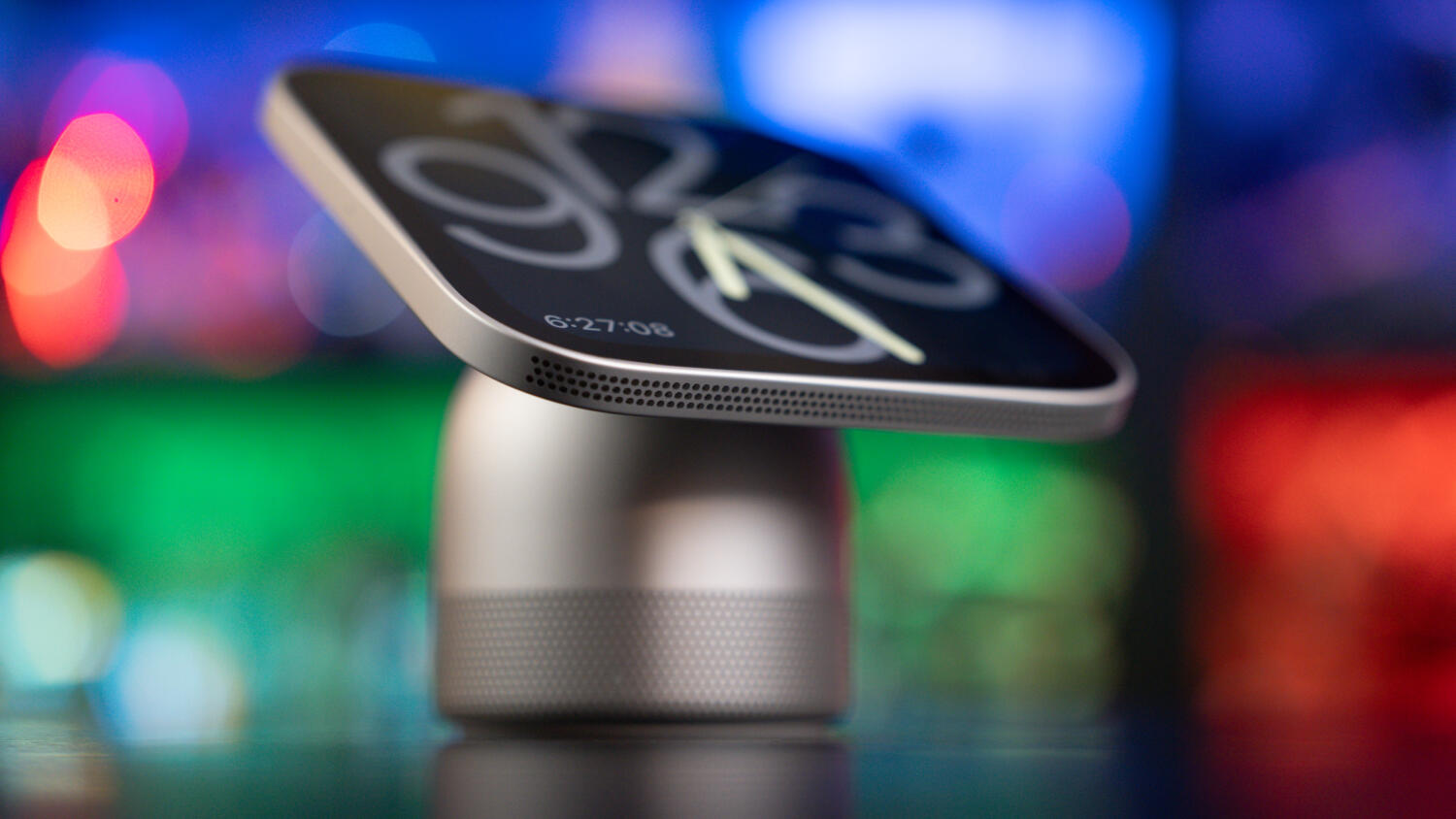
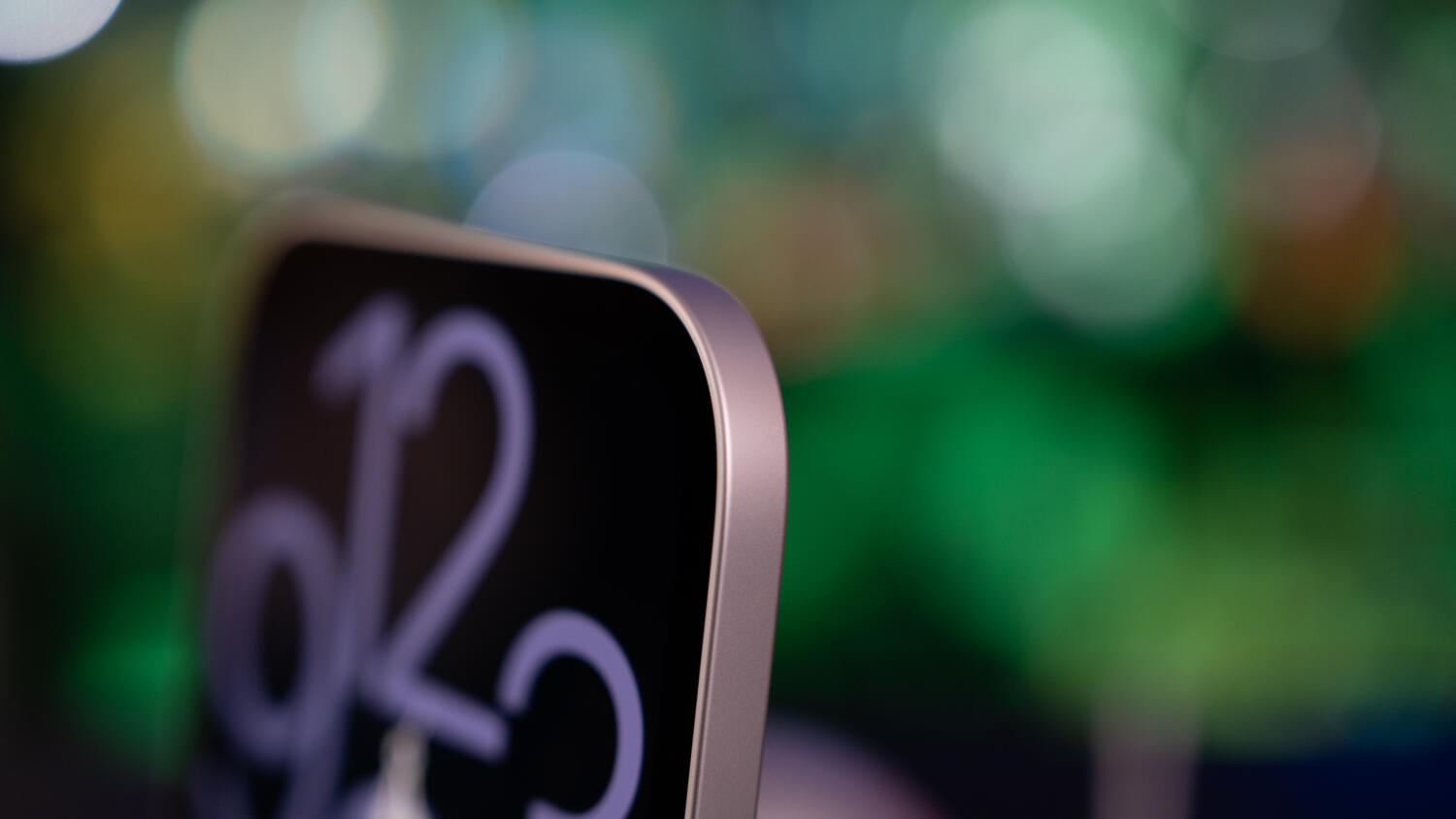
That 1,088 x 1,088 pixel (220 ppi) screen is sharp, bright, and remarkably adaptable, as it can push up to 500 nits for brighter rooms, and down to an ultra-dim 0.3 nits at night, so as not to disturb anyone while it turns into a bedside clock, like the iPhone you have rotated and perched on its magnetic charging stand at night.
It can be used as a digital photo frame cycling through albums (like your iPad), complete with playful clock faces like Snoopy or the motion-reactive Flow face (like your Apple Watch), or serve as a means to video call someone with FaceTime (like your iPhone).
Where the HomeView sets itself apart from the competition, which offers one device for the whole family, is that this is one shared device that can be used by the family, while also respecting the individuality and personal privacy of up to six different members of the household.
With your iPhone, each user extends their own personality onto the HomeView, from your specific calendar, reminders, and personalised Siri AI context, as well as your private iMessage threads or personal data, but everything is compartmentalised and locked away by facial recognition to everyone else in the house. If friends pop by, they can play around with the HomeView, but they won’t even be allowed to use Safari or even listen to your Spotify, to know what sites you’ve been to, or what songs you’re moving to.
Registration on a HomeView is easy, and that’s where the walled ecosystem kicks in, as you need an iPhone in close proximity to register yourself. The unit will then scan your face for Face ID, as an iPhone would during setup, and use that as a filter for providing access. The front camera has a wide field of vision, and you can unlock the screen with a swipe from the side of the device, and the camera would be able to identify which person from the household was unlocking the unit and go to that individual’s profile on the device.
Even if you’re just reading a message or browsing the web, simply walk away, and anyone approaching the screen will be scanned and prevented from accessing the display, unlike say, doing the same on an iPhone, where the device won’t lock if it doesn’t see the registered user’s face. The transition between different family members is smooth and seamless, and in a shared home, knowing that your phone’s information stays locked to you while everyone still gets a tailored experience, is a massive win.
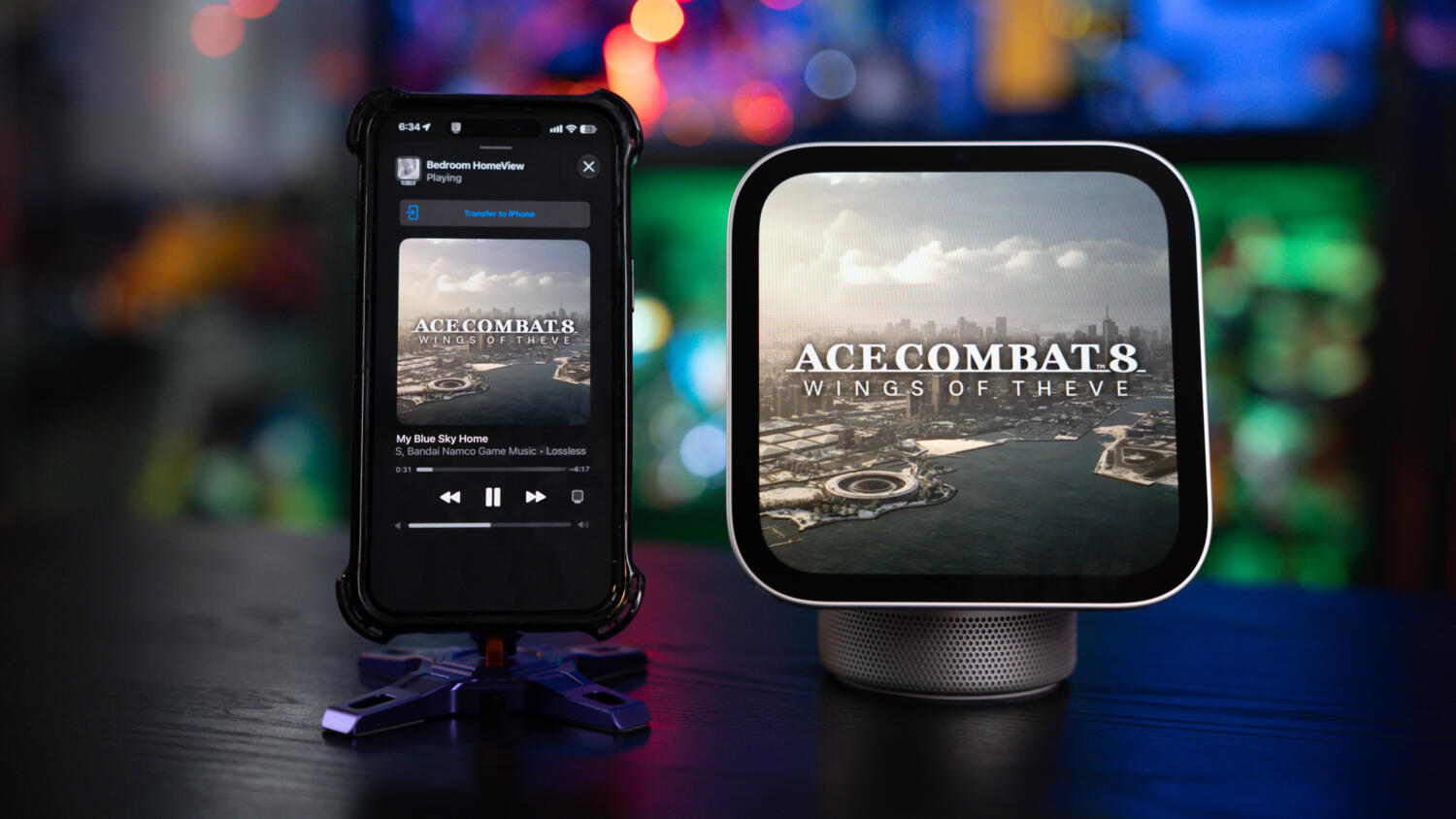
That said, getting everyone onboarded isn’t without its quirks. While the HomeView is smart enough to adapt to your personal preferences and style once set up, adding a second or third user revealed a surprisingly rigid requirement – their language and region settings have to match yours. Because my iPhone is set to English (US), the HomeView was calibrated to US settings during initial setup. When my wife tried to add her profile, with her phone set to English (Singapore), the HomeView refused to add her until she changed her settings and switched over to English (US). It’s a minor hurdle once resolved, and clearly tied to how Siri AI handles regional language models, but it’s an unnecessary bit of friction in a household where various family members have different language-setting preferences.
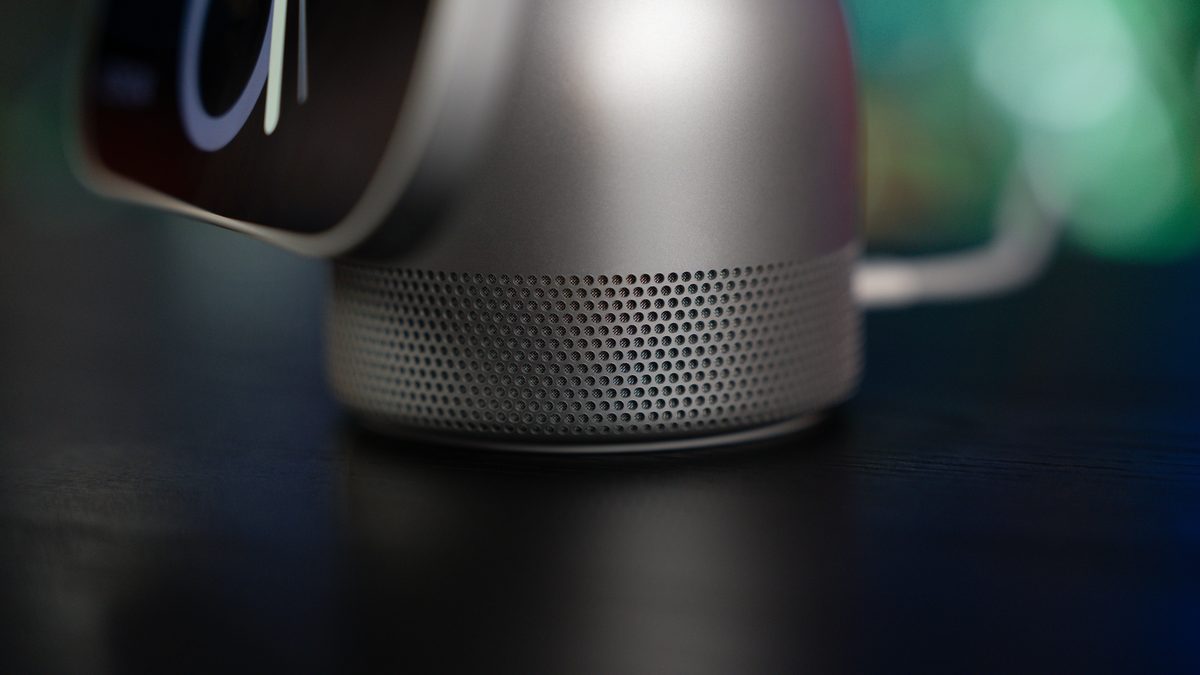
Under the hood, the A18 chip keeps animations fluid, while the four-microphone beamforming array and surprisingly punchy speaker that packs two full-range drivers, a down-firing woofer, and dual force-cancelling passive radiators deliver crisp Spatial Audio with Dolby Atmos that easily fills a room.
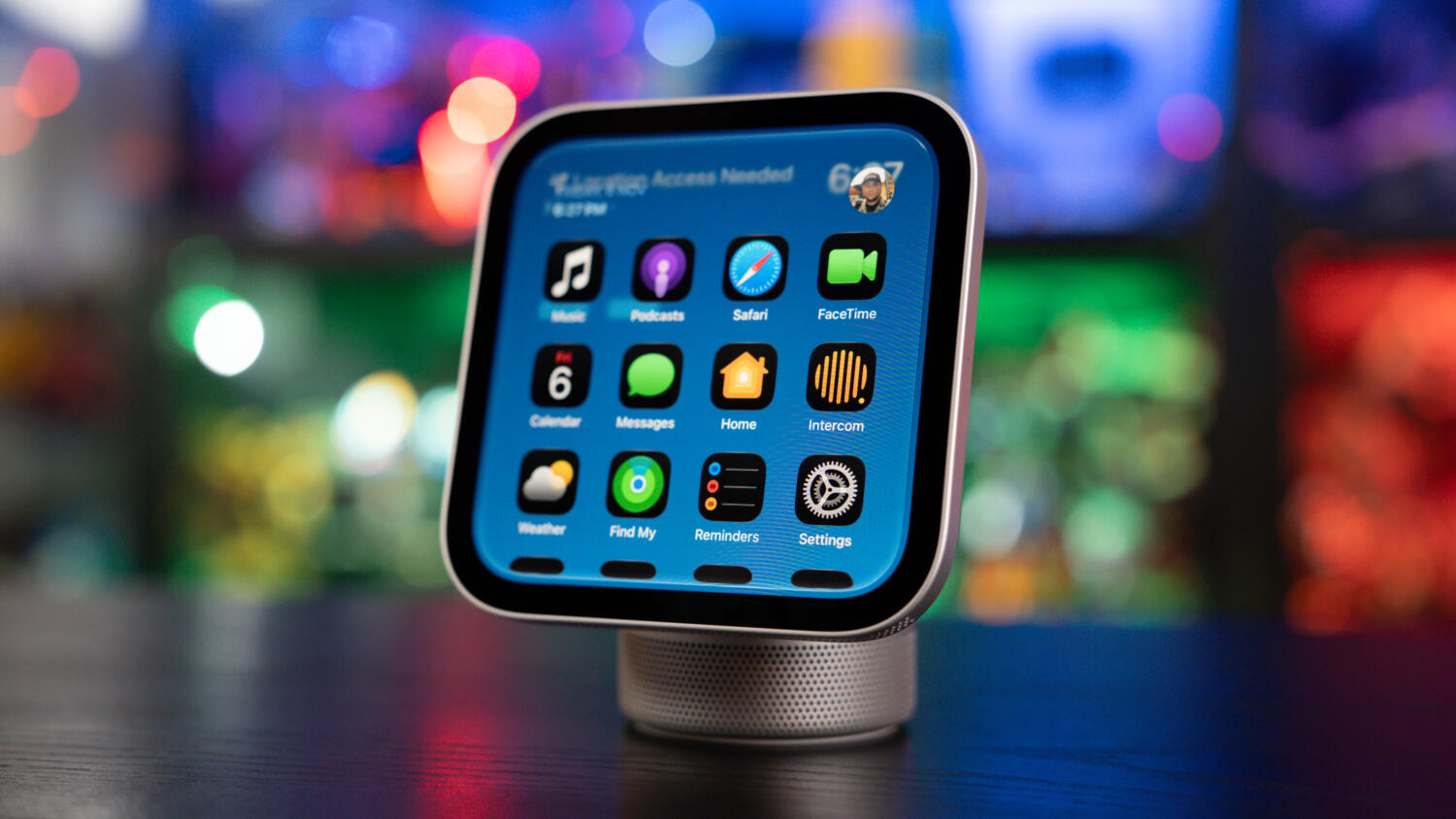
The downside is that unlike an iPhone or iPad, the HomeView doesn’t have an App Store, so you can’t install apps or games. Tunes are streamed via Apple Music, or with CarPlay, so Spotify works, but you can’t play games of any kind, or watch any streaming service. And unlike those portable devices, the HomeView is a wired electronic that requires constant power via its included 1.5m USB-C cable and 30W adapter. If you put it in your dining room, it’s not as simple as moving it into your kitchen to show dinner recipes. And if it stays in the kitchen, who is going to use it for the majority of the time when you’re not cooking?
You also have access to iMessage, but what you can see beyond text messages is limited as well. Since there is no App Store, external links bring you to Safari, where it will ask you to download the app, but it can never do so. Links to Facebook videos open in Safari, and there is an unmute button so you can listen to the video, but you cannot scroll to view more videos. You can visit a video owner’s public profile and view more of their videos, but navigation is spotty as a pop-up will constantly ask you to open the app, which the device can never access. On the other hand, Instagram videos appear, but there doesn’t seem to be an unmute button or volume controls, so videos are silent. And if you try to tap on the video’s description to read more, the browser snaps back to the main video, and an invalid error appears. You are also not able to tap on that user’s profile to view more of the user’s library of videos.
Oh, and you cannot toggle between apps as you would on an iPhone or iPad so if you jump back to iMessage, you end up at the main page of the app and not at the last message or thread you were viewing, so you have to scroll back to the thread or message if you want to continue the conversation. So think of this more as a convenience to have if you need to reply to a message while you’re having dinner and your phone is charging in the room, but if you want to carry on a conversation, go grab your phone.
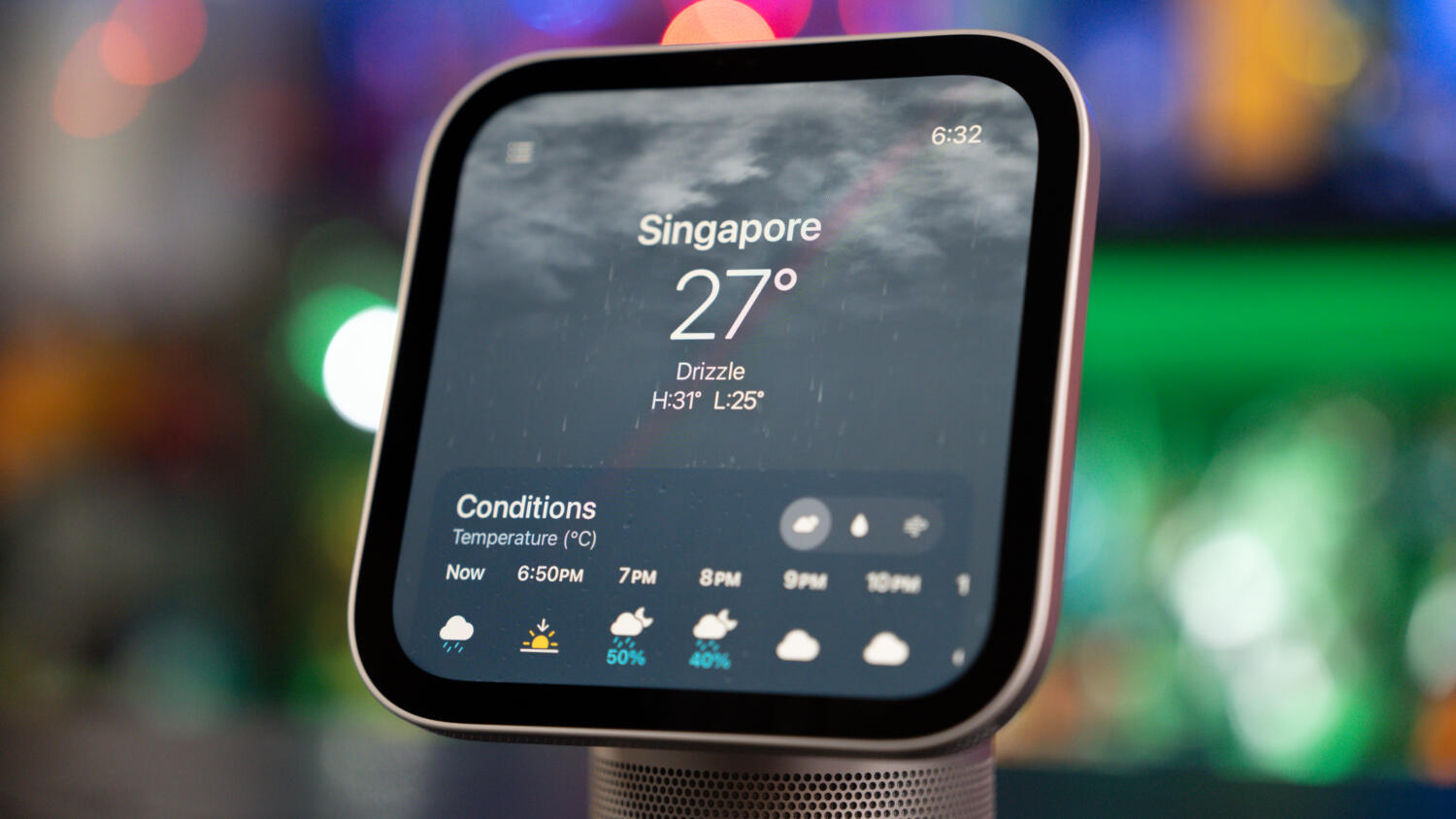
On paper, Apple positions it as a stationary hub for the kitchen counter, hallway wall, or bedside table, but in practice, this is not a device that asks to be left in just one spot. While it’s a great tool in the kitchen – especially with Safari’s streamlined Start Cooking recipe mode, multiple Live Activity timers, and a 12MP Center Stage camera that keeps you in frame during a FaceTime call while you chop vegetables, it shouldn’t have to spend its time tethered to a single wall outlet.
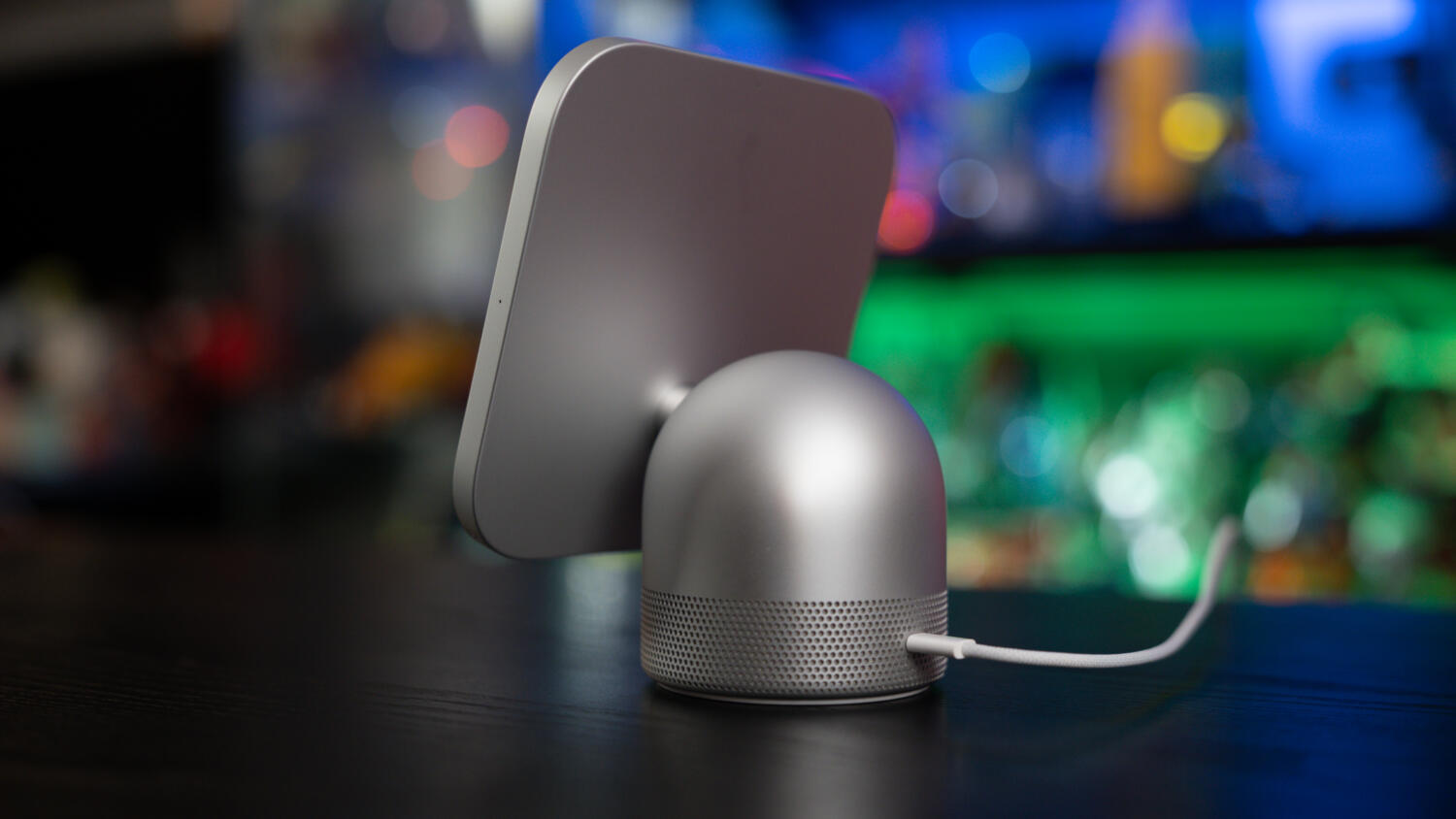
The HomeView has plenty of utility across the rest of the home, and having to completely depower and unplug it just to move it from area to area defeats much of its versatility. Imagine wanting to play music in the dining room over lunch, or carry it over to the living room to finish a FaceTime call, and then bringing it back into the kitchen to pull up recipes while preparing dinner. Later in the evening, you might want to take it out onto the balcony to listen to a playlist and check messages while winding down. Because there’s no built-in battery to bridge even a short transition, let alone an hour or two of portable use, moving the HomeView around becomes a chore of hunting for power sockets and waiting roughly 25 seconds for it to boot back up.
For those of us who have accompanying devices that are linked to Apple Home, such as video cameras for monitoring your home, being able to see what’s connected on a larger screen makes sense, but then, so does seeing it on an iPad. Alas, my Tapo cameras aren’t compatible with HomeKit out of the box, and that’s the way Apple usually rolls – it launched the HomeKit with hardware partners LG and Schneider Electric for just a small handful of devices such as home cameras and door locks, on top of existing Home-enabled and connected devices, but it’s also up to hardware makers to decide if they see the value of being a part of Apple’s greater smart home ecosystem.
For smart home enthusiasts already deep into the Apple ecosystem, the HomeView nails the essentials, putting what you see on the Home app on your phone on a bigger display. Like the iPad and Apple Watch, the first iteration shows the potential, but this device isn’t for everyone yet. While the hardware marks a polished first step, there are gaps that need adjustment. If Apple had included even a modest internal battery to let it roam freely around the home, this would have been a must-have, but right now, it’s a great-sounding smart hub that’s too tied down by its cord.
GEEK REVIEW SCORE
Summary
The Apple HomeView brings Apple’s signature build quality, punchy Spatial Audio, and seamless multi-user privacy to the smart home display market, with strong privacy protections for individuals within a family. Still, quirky gaps and the lack of a built-in battery keep it from being a truly flexible must-have.
Overall
8.2/10-
Aesthetics - 8.5/10
8.5/10
-
Build Quality - 9/10
9/10
-
Performance - 8/10
8/10
-
Value - 7.5/10
7.5/10
-
Geek Satisfaction - 8/10
8/10

Hsals needs more space in his house, and more money in his bank account to pay for all the toys, collectibles and other geek related items that companies are churning out. Free-time? Girlfriend? Who’s got time for those?

 Kevin Low
 Si Jia