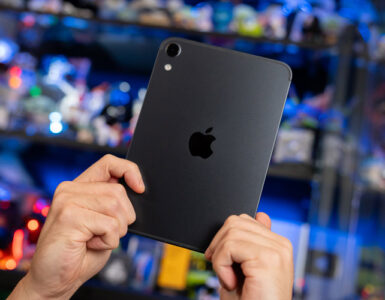
It is not often that Apple quietly pushes out a new MacBook Pro (MBP) without a glitzy keynote, opting instead for a quiet press release. But that’s to be expected, as all eyes are on the newly unveiled, touch-enabled MacBook Pro PROLED XDR, which automatically relegates the regular 14-inch MBP into the role of the dependable middle child. But while the world fixates on a touchscreen Mac and steeper price tags, the baseline MBP 14 continues to do what it has quietly perfected over the past five years – delivering an iterative, no-nonsense silicon upgrade for those who prioritize performance, versatility, and battery life over a new experimental experience.
The MBP 14 won’t dominate social media chatter, but anyone looking to retire an aging M1 or M2 MacBook Air (MBA) or MBP might just find this predictable workhorse to be the smartest option in the company’s current lineup.
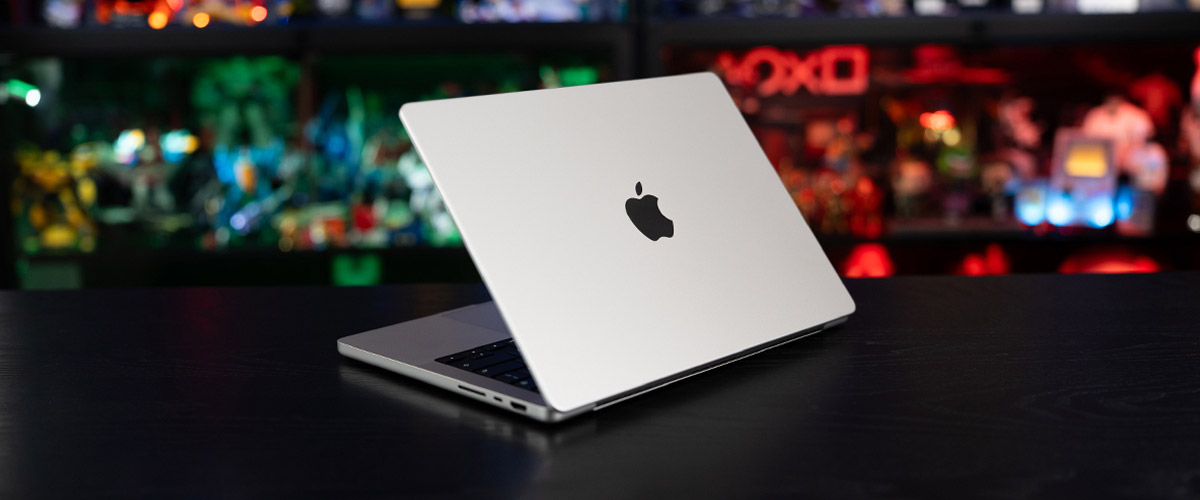
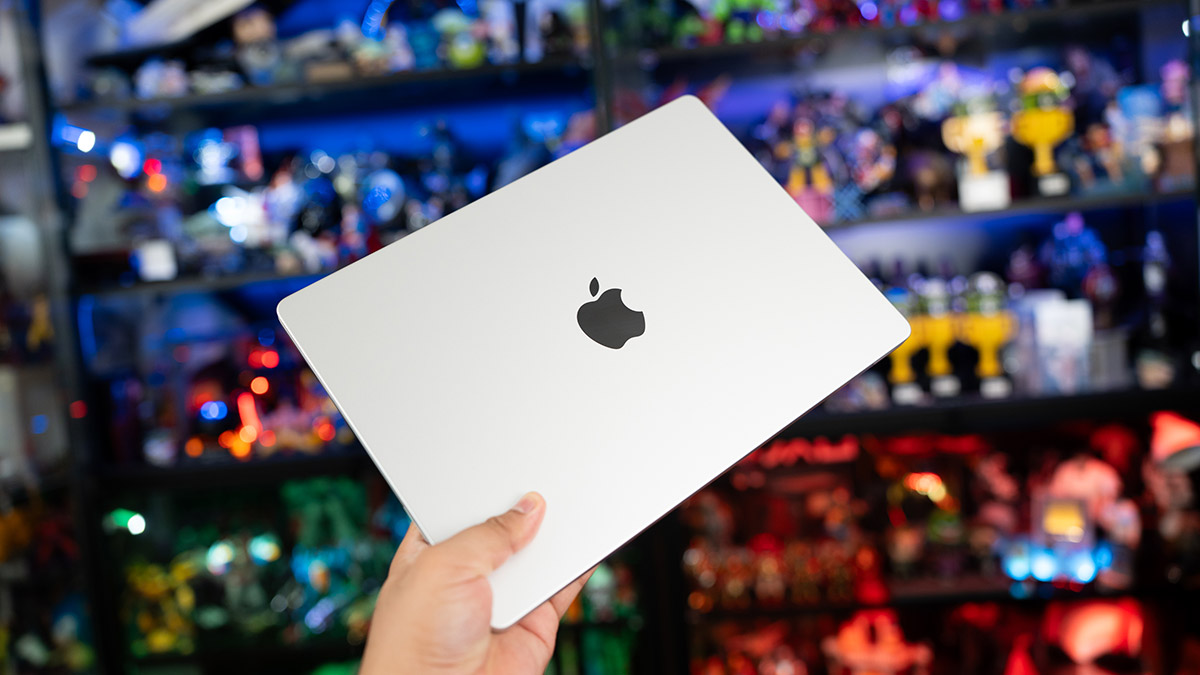
Pulling the 14-inch MacBook Pro M6 out of its packaging won’t reveal any surprises as the unit is virtually identical to its past few predecessors. You get that dependable, sturdy recycled aluminium unibody chassis measuring 31.26 by 22.12cm, weighing in at a relatively lightweight 1.55kg, tucked in a 1.55cm thick frame. The standard Silver or Space Black finish that repels fingerprint smudges continues to exude that premium industrial aesthetic that is still unmatched by the plastic used in competing Windows alternatives.
Then there are the port options that remain limited compared to its Windows compatriots, but are still a major selling point over the MBA series. There are three Thunderbolt 4 ports, with two on the left and one on the right, the standard MagSafe 3 charging port, a regular HDMI port, SDXC card slot, and a 3.5mm audio jack. Alas, the Thunderbolt 5 remains reserved for the models with the M5 Pro and M5 Max chips, even as the M6 continues to power up to two external displays at 6K at 60Hz, or 4K at 165Hz each, for those of you who prefer the convenience of a laptop in a desk dock setup. Meanwhile, the M5 Pro model can do three displays up to 6K at 60Hz, or 4K at 144Hz each, while the M5 Max can connect up to four screens with up to 6K at 60Hz, or 4K at 144Hz each.
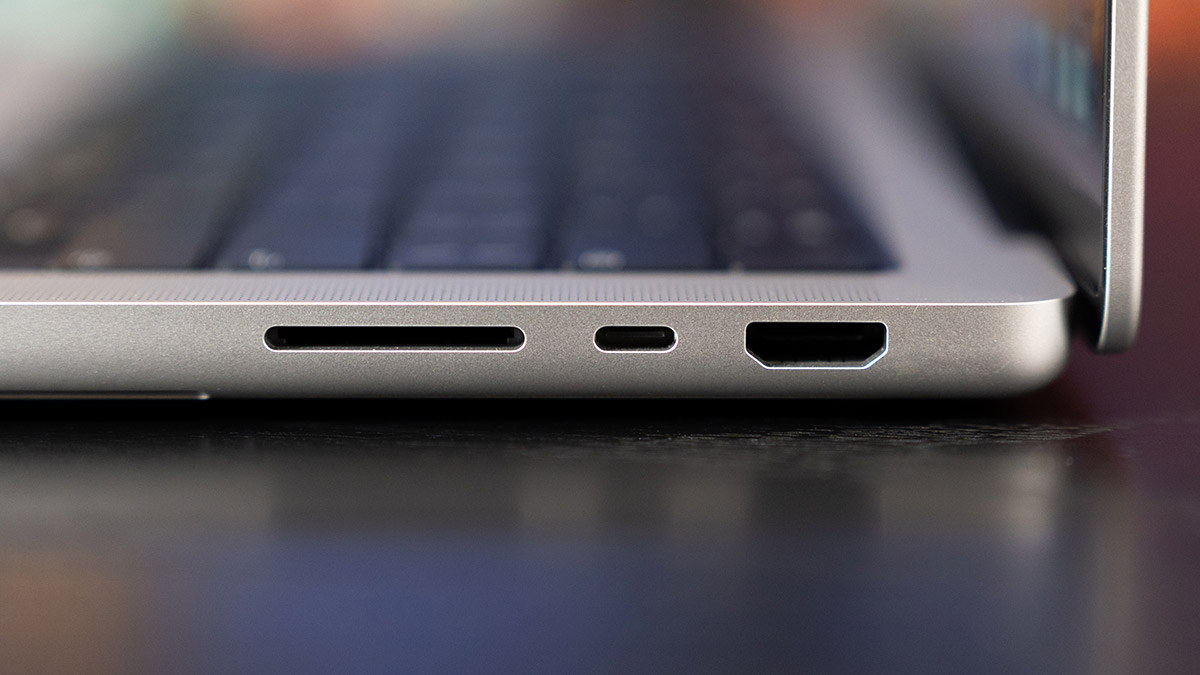
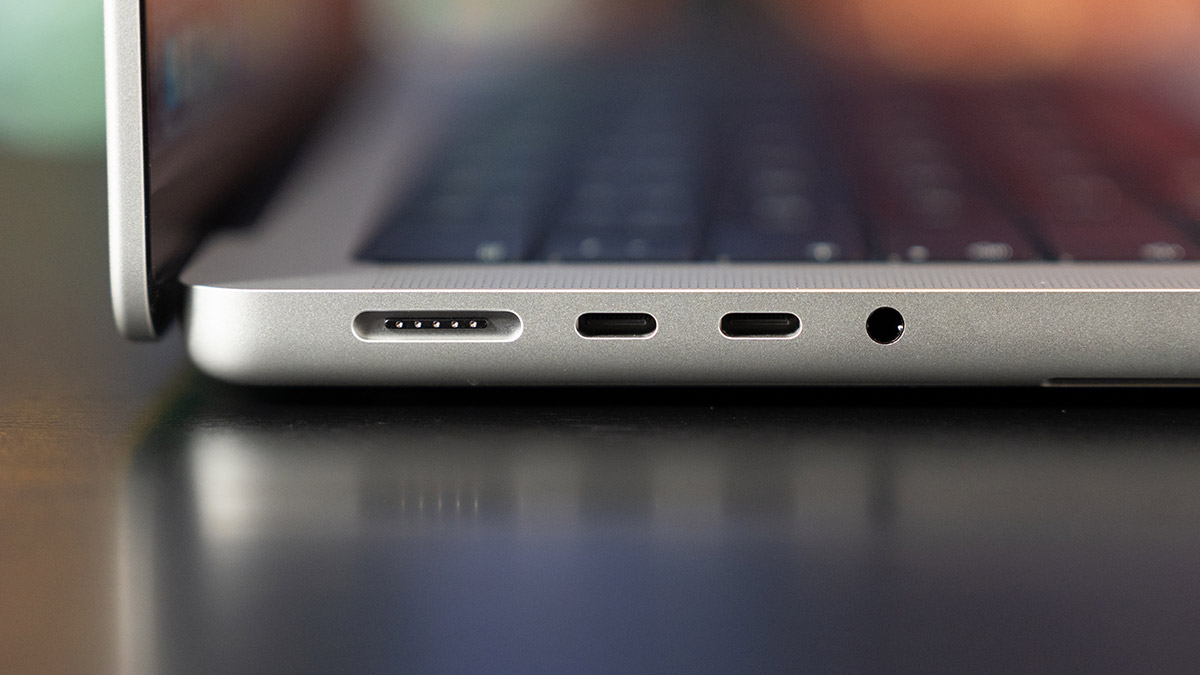
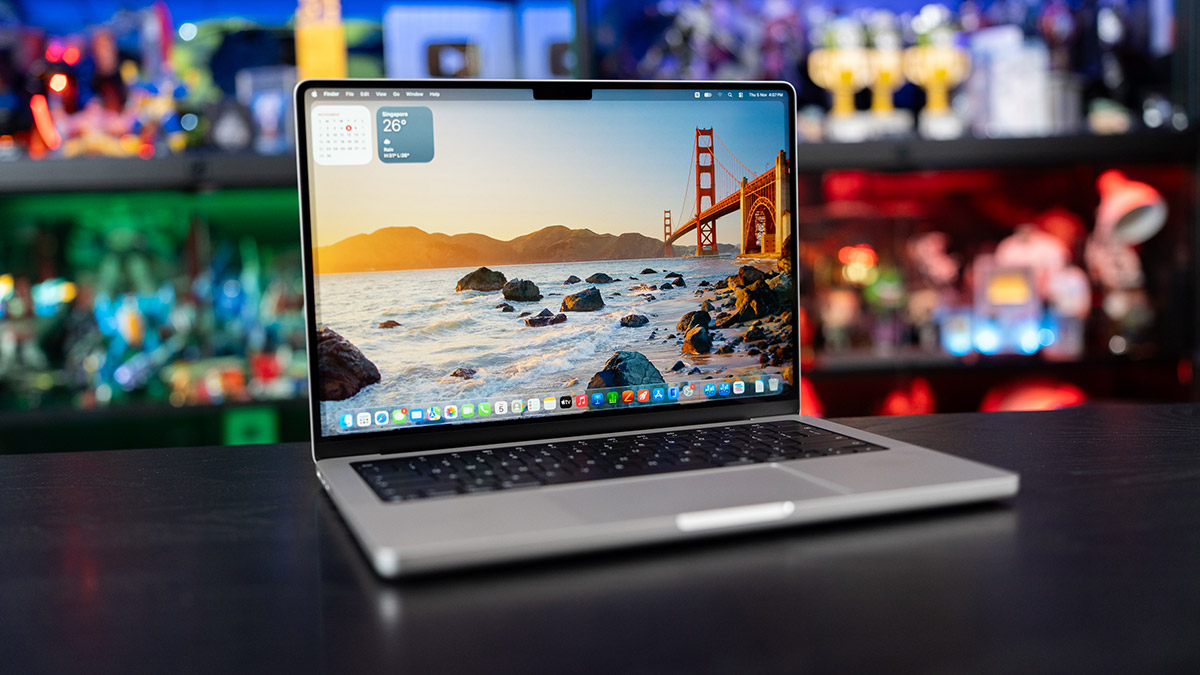
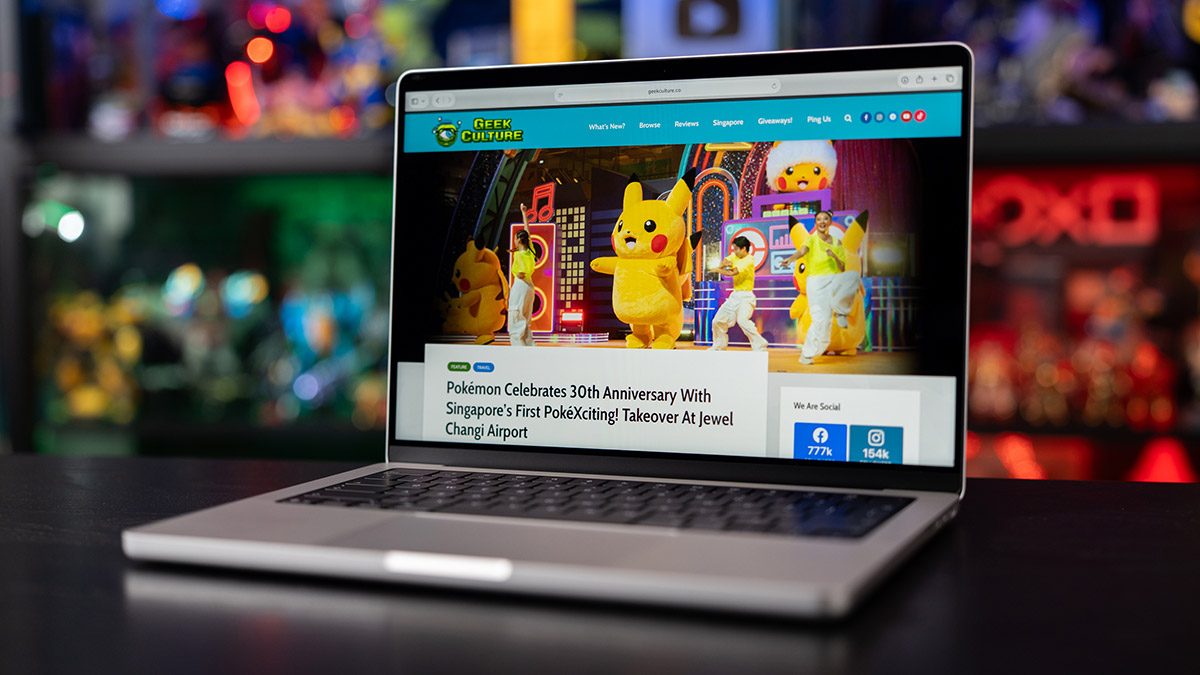
That familiar looking 14.2-inch Liquid Retina XDR display (3,024 x 1,964 resolution at 254 ppi) continues to shine, offering 1,000 nits full-screen brightness outdoors and XDR (Extreme Dynamic Range), with a 1,600 nits peak for HDR content. The notch at the top, which has become a standard presence across Apple’s hardware ecosystem, houses the upgraded 12MP Center Stage camera with Desk View, flanked by Apple’s six-speaker sound system with Spatial Audio. And yes, for those working in environments with harsh lighting or are simply sitting next to a window, there’s still the optional nano-texture glass that dials down screen reflection.
Under the hood lies the standard improvement, but now with a slight variance. The new M6 chip marks Apple’s first jump to a 2nm architecture, and the core layout has been expanded to a 12-core CPU configuration compared to the 10-core CPU on the MBP 14 with M5. So instead of 4 super cores and 6 efficiency cores, users now get 2 high-performance super cores, 4 standard performance cores, and 6 efficiency cores just like on the Mac mini with M6. This is paired with a 12-core GPU, and an upgraded Dual 16-core Neural Engine compared with the MBP 14 M5. While unified memory bandwidth receives a bump to 170 GB/s, Apple has decided to stick with the standard 16GB memory option that tops out at 32GB, instead of setting the new baseline at 24GB.
Which would be fine, except that Apple has, for the last few years, been heavily pushing the use of artificial intelligence along with its own Apple Intelligence, and a large part of it has been on the capabilities of its own Apple Silicon chips in leading the charge. It’s latest M6 chip has been touted as bringing next generation speed and advancement with on-device AI, where the work need not be done using the cloud-service models powering its competitors, but can instead be run locally.
While the chip is crucial in this process, the amount of RAM also factors in heavily, as RAM serves as the gatekeeper for on-device or locally run AI, and memory bandwidth determines how fast the model runs.
As we did on our Mac Studio review, we installed LM Studio’s Bionic on the MBP M6 review set, which is the base model with 16GB of RAM. As a local-first AI agent software, Bionic is designed for open-source large language models, where they are used to handle coding, research, and complex work with documents and files. Once installed, the application allows you to select from a larger number of AI models available online, with options to download and run laptop-sized agents locally, without tapping on the cloud and potentially sharing your data externally.
On the Mac Studio with 128GB of RAM, we had our choice of installing over two dozen models, with some going up to 170GB in downloadable file size. With the 16GB MBP M6, our options were down to eight, with nothing over 7B parameters. Now this alone is not indicative of the chip’s capabilities, but it’s clear that the 16GB of RAM here severely limits the on-device AI models available on one platform. If on-device AI is the challenge that Apple’s M6 chip is addressing, then tackling it with 16GB of RAM isn’t exactly the best way forward.
That said, the models that we did use and run turned out well. Unlike early Apple Intelligence rollouts that felt piecemeal, the M6’s Dual 16-core Neural Engine and on-core GPU Neural Accelerators are geared towards heavier, local agentic workloads running on macOS 27 Golden Gate. We ran prompts for simple, everyday tasks using Nemotron 3 Nano 4B and while there was a slightly longer wait compared to using cloud-based AI models, the research and writing results felt usable, in that all AI results serve as a foundation to start things off with but still needs the human touch to polish up.
Apple claims this year’s upgrade offers up to 1.3x faster render performance in Blender, with up to 25 per cent faster on-device LLM prompt processing compared to the M5.
Here is how the M6 stacks up on our benchmarks:
| Chip (Model) / Test Metric | Apple M1 Max (MBP 16) | Apple M2 Max (MBP 16) | Apple M4 (MBP 14) | Apple M5 (MBP 14) | Apple M6 (MBP 14) |
| Geekbench 6 Single-Core | 2,405 | 2,598 | 3,792 | 4,231 | 4,542 |
| Geekbench 6 Multi-Core | 12,321 | 14,177 | 15,027 | 17,782 | 20,615 |
In day-to-day productivity, we easily opened dozens of tabs across Safari and Chrome browsers, playing 4K video files off YouTube, with software including Telegram, Spotify and a Final Cut Pro 4K export running in the background and the unit didn’t break a sweat. The new chip delivered the same level of performance as its predecessors, and as with all hardware, you have the freedom to pick the specifications that suits your needs. At S$2,699, the base review unit produced performance that felt underutilized when it came to running simple, everyday tasks. The deployment of on-device AI is still in its infancy and if you’re running it, just be prepared to pay a little more for the required upgrades in RAM.
Gaming on macOS continues to be another niche that has slowly been climbing out of novelty status, thanks to increasing developer support and Apple’s development in features like ray tracing to drive up graphical prowess of its machines. Hit titles, though not the most recent AAA hits like Cyberpunk 2077: Ultimate Edition, Death Stranding Director’s Cut and Resident Evil 4 Remake show that Apple Silicon can easily power the best games, as long as game publishers give it a chance.
Apple rates the M6 MacBook Pro 14 at up to 24 hours of video streaming and up to 16 hours of wireless web on its 72.4-watt-hour battery, which is in line with our everyday use and to be honest, continues to be a huge draw for Apple Silicon users. If you already own an M4 or M5 MacBook Pro 14, there is very little reason to spend the cash here. But if you are still working on an M1 model, including M1 Pro or Max, or an older M2 machine, the leap to the M6 is dramatic. You get double the base RAM, of 16GB vs 8GB, an extra Thunderbolt port, a far superior 12MP Center Stage camera, HDMI 2.1, display output flexibility, and roughly double the computing throughput without paying the premium asked of the PROLED XDR model.
Product images were shot using a Sony α7 IV Full-Frame Hybrid Camera equipped with the following lenses: Sony FE 90mm F2.8 Macro G OSS and 28-70mm F2 G2 GM.
GEEK REVIEW SCORE
Summary
The 14-inch MacBook Pro M6 isn’t here to reinvent the wheel, giving users a standard workhorse that delivers on exceptional 2nm efficiency, pro-grade performance, and industry leading battery life in a solid form factor. If you’re coming from an M1 or M2, this is the definitive, no-nonsense upgrade.
Overall
8.8/10-
Aesthetics - 9/10
9/10
-
Build Quality - 9/10
9/10
-
Performance - 9/10
9/10
-
Value - 8.5/10
8.5/10
-
Geek Satisfaction - 8.5/10
8.5/10

Hsals needs more space in his house, and more money in his bank account to pay for all the toys, collectibles and other geek related items that companies are churning out. Free-time? Girlfriend? Who’s got time for those?
 Kevin Low
 Si Jia