
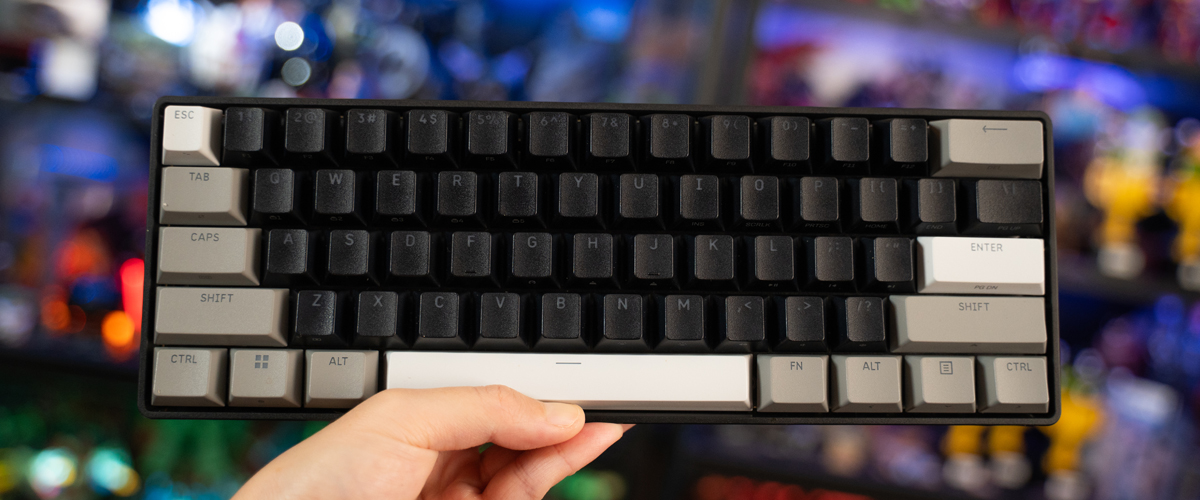
Size matters when space is a consideration, and more so on your computer desk. In PC gaming, especially competitive shooters or titles that require wide mouse-sweeping motion, much of the surface area is dedicated to mouse movement, leaving less table real estate for the keyboard, so it’s hardly surprising when players often prefer small form factors, such as tenkeyless (TKL) or 60% builds, over the traditional full-sized layout.
The Corsair Clipper Pro Mini 60 pairs a wired 60% deck with another gaming-forward feature: Hall Effect. Instead of physical metal, the technology uses embedded magnets and contactless magnetic sensors for faster input response, offering enhanced durability and zero debounce delay – a result of eliminating multiple inputs from a single key press. The actuation point of a key, or how far it travels before the keyboard registers the input, can also be adjusted to the user’s preference, allowing for flexible customisation.
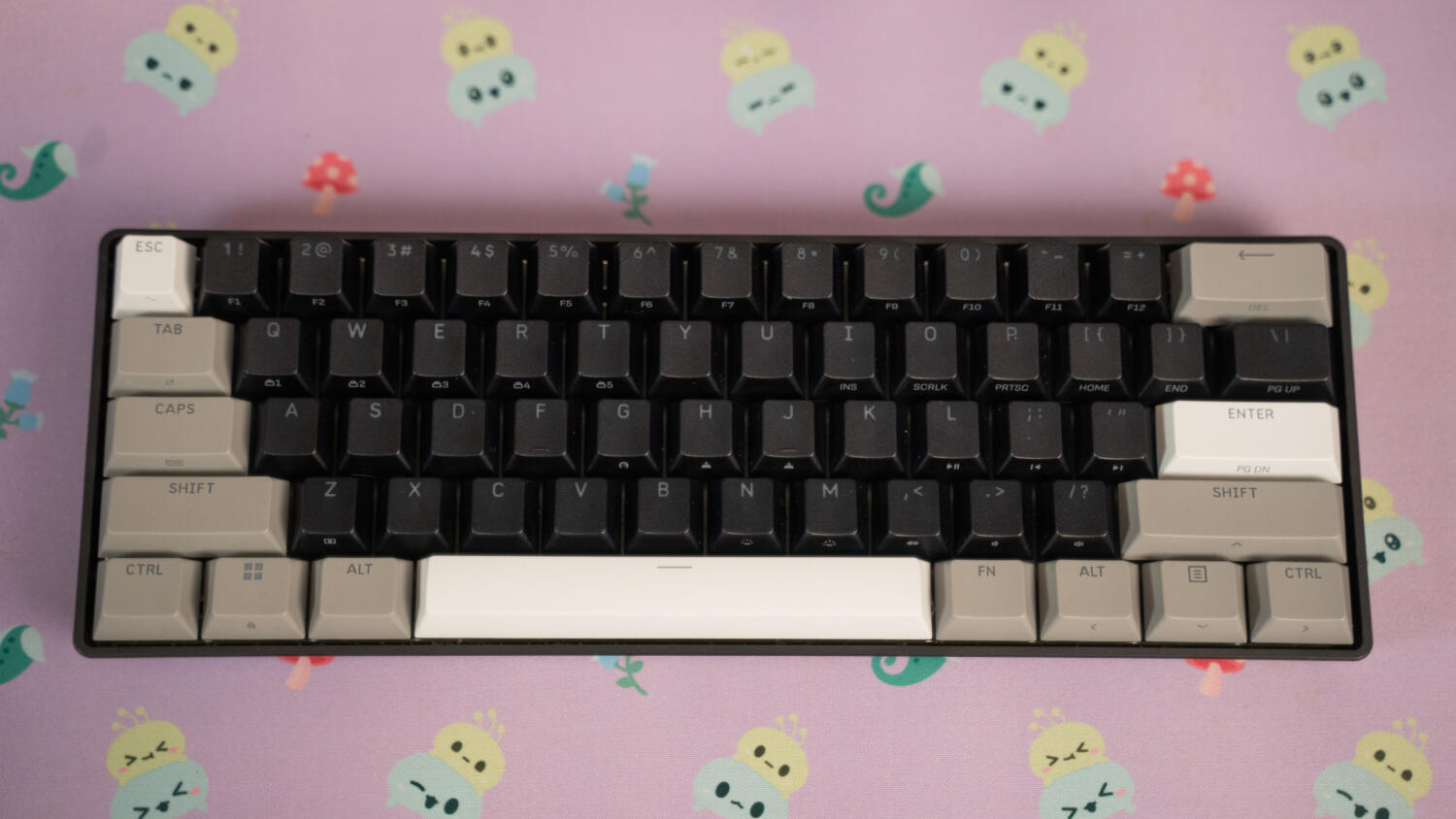
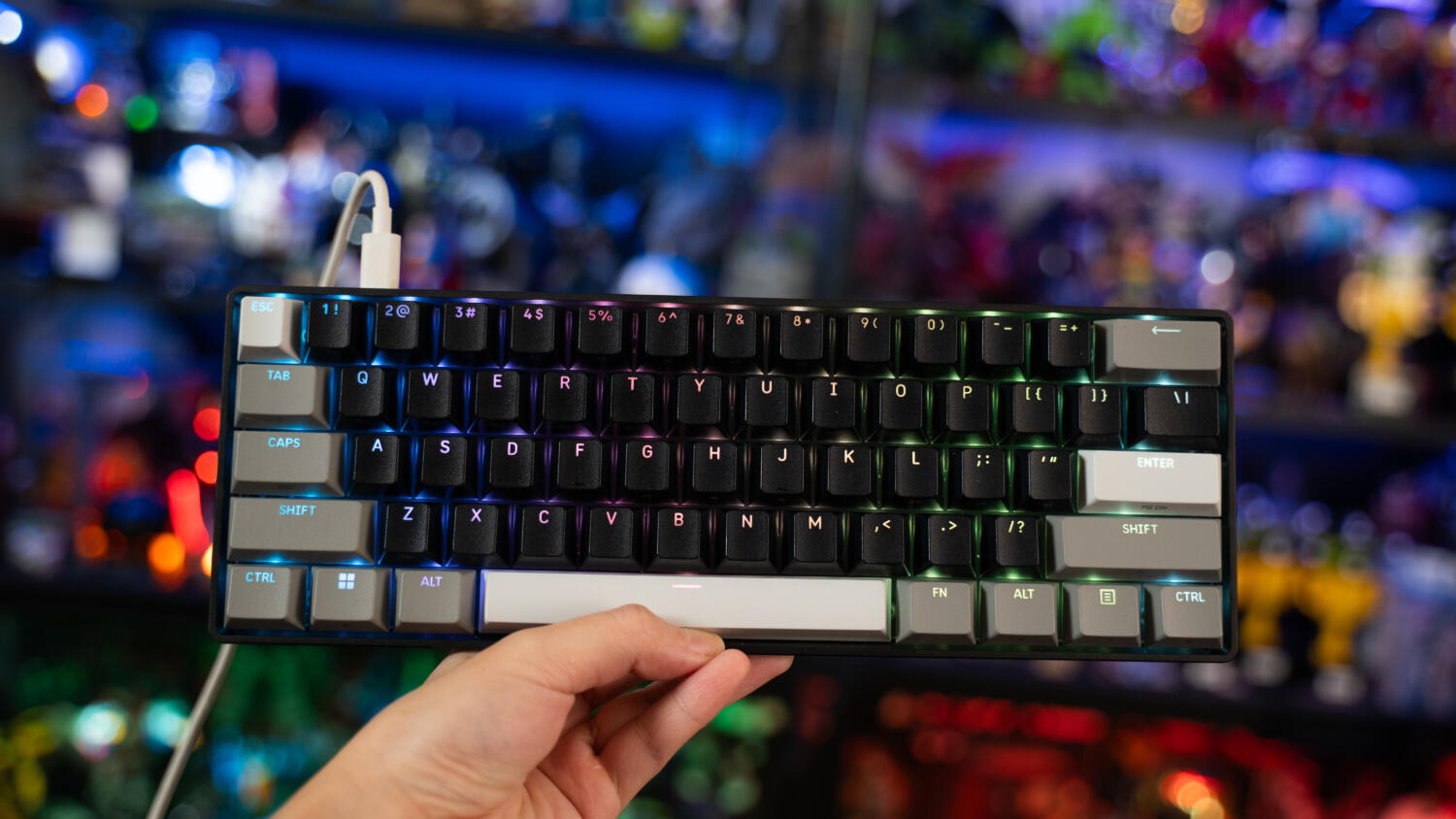
These mainstay elements are all present, topped off with clever, handy quirks that compensate for the missing keys, and culminating in a smooth, satisfactory plug-and-play experience. At a lightweight 414 grams and measuring 294 × 103 × 31 mm, the 61-key accessory is ideal for lugging around, storing in a bag, or connecting to external devices on smaller desks, and like its counterparts on the standard ANSI layout, eschews the number pad, dedicated function row, and arrow keys.
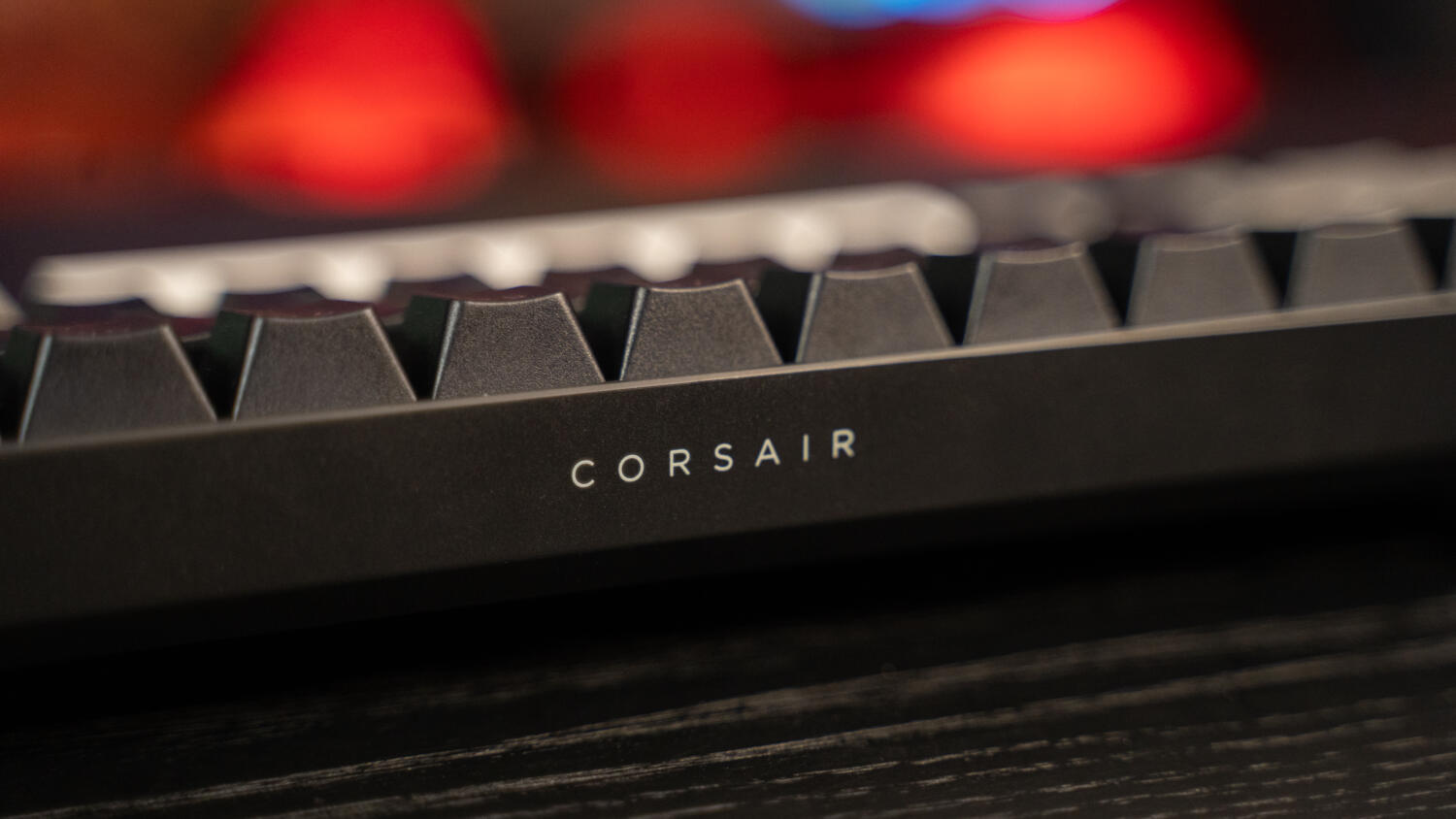
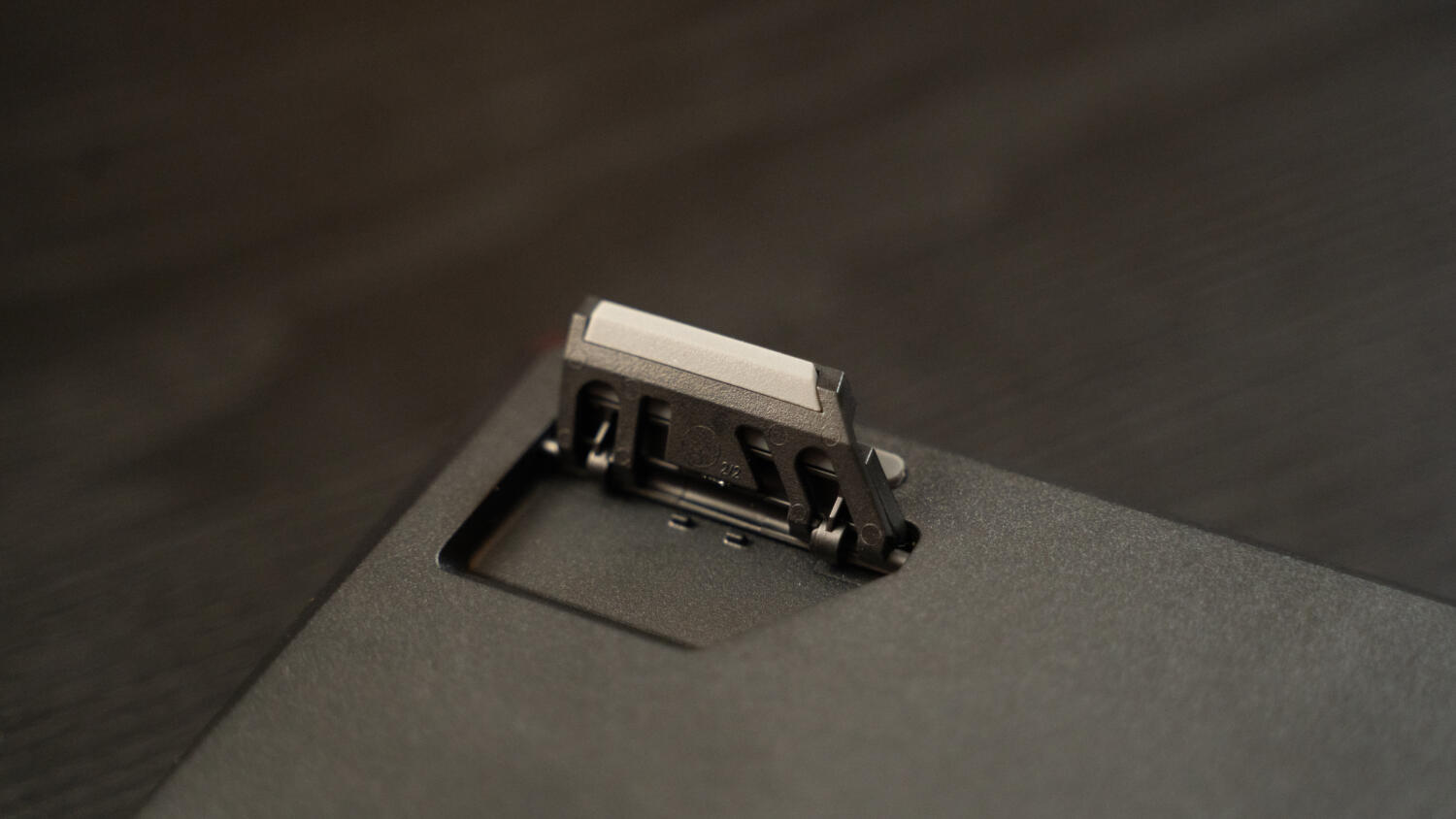
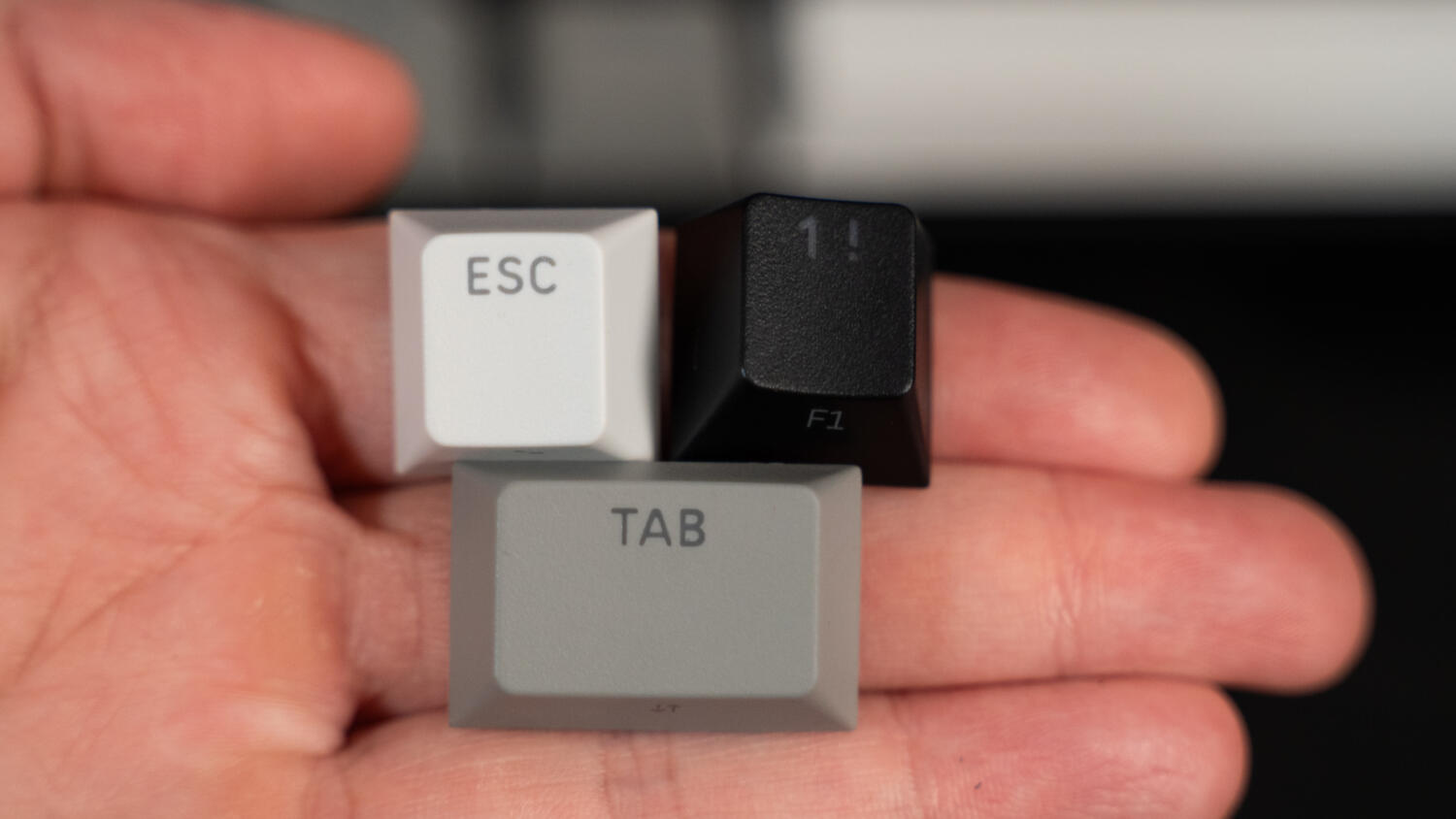
Unlike most Hall Effect keyboards, however, the Clipper Pro Mini 60 doesn’t include a basic keycap or switch puller out of the box, and the lack of frills carries over to its design. The hollow feel of the plastic chassis, a necessary evil to reduce heft, cheapens its look, and the fold-out feet on the underside, which prop it up at an angle, aren’t the most secure. No additional or excessive RGB lighting along its frame, either, with two-toned grey accent keys spicing up the low-profile, all-black palette.
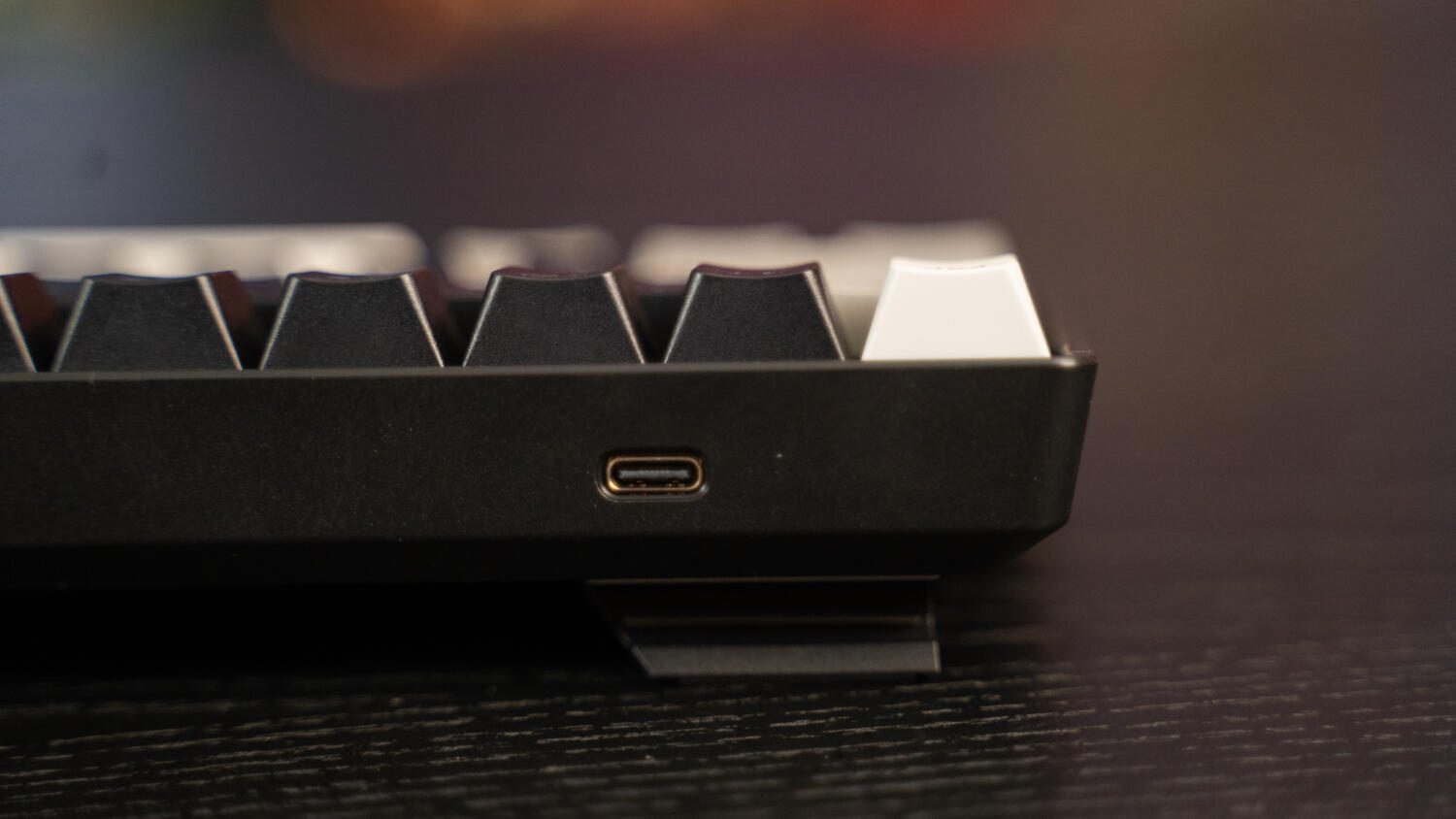
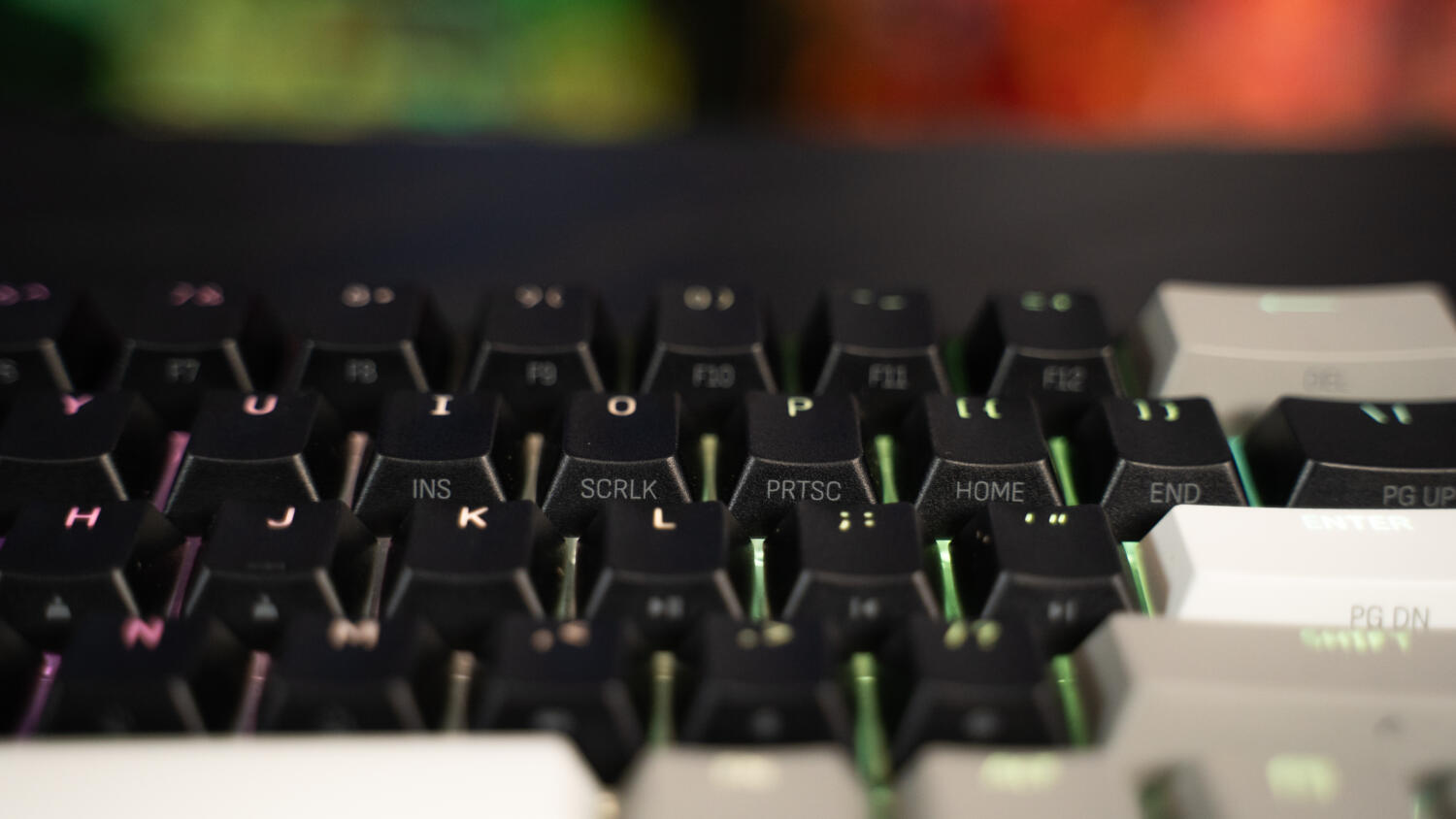
When illuminated, the backlight is evenly distributed across the board, and doesn’t glow as garishly and brightly as other gaming-focused offerings. The small imprints on specific keys, indicating the secondary functions that activate when users hold down the ‘Fn’ button to the right of the space bar, and the thin font can be difficult to spot, turning near invisible in darker environments. Considering how this is the main workaround for multi-use, it’d be welcome if the legends were more visible.
Muscle memory will take some getting used to for those unfamiliar with mini keyboards, and even regular users may not immediately remember where the corresponding keys are, which brings key-binding into play. While the iCUE app usually serves as the default customisation hub, the Clipper Pro Mini 60 is managed through the browser-based Corsair Web Hub, saving first-timers the hassle of downloading and setting up another software.
Navigating the intuitive, straightforward interface to the Smart Tap tab brings up a virtual keyboard that lets users assign or edit an action, alongside the option to toggle Permissive Hold, adjust hold duration, and modify tap and hold actions. In this case, the ‘Alt’, ‘Shift’, ‘Menu’, and ‘Ctrl’ keys on the right side are mapped to the arrow keys – aligning with their positioning on a standard keyboard – while the last four digits of the number row double as media controls.
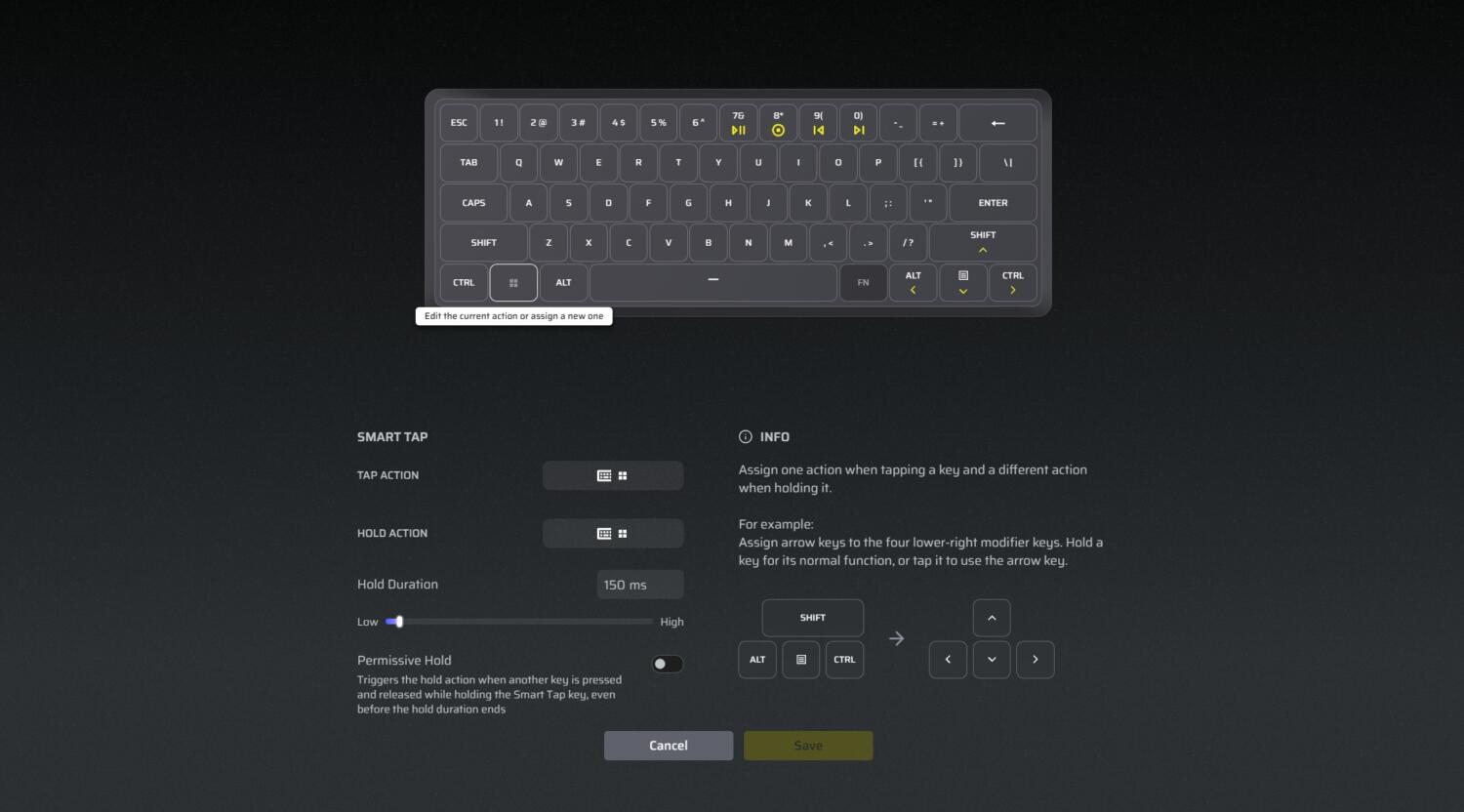
The former, in particular, proved useful for nudging images into place in Adobe Photoshop and sifting through album photos in Lightroom, with the single-press functionality eliminating the strain of prolonged or repeated key holding. Changing key assignments is quick and intuitive, supported by clear instructions, but the configuration process can sometimes slow Web Hub down and requires an Internet connection, so offline use is out of the picture.
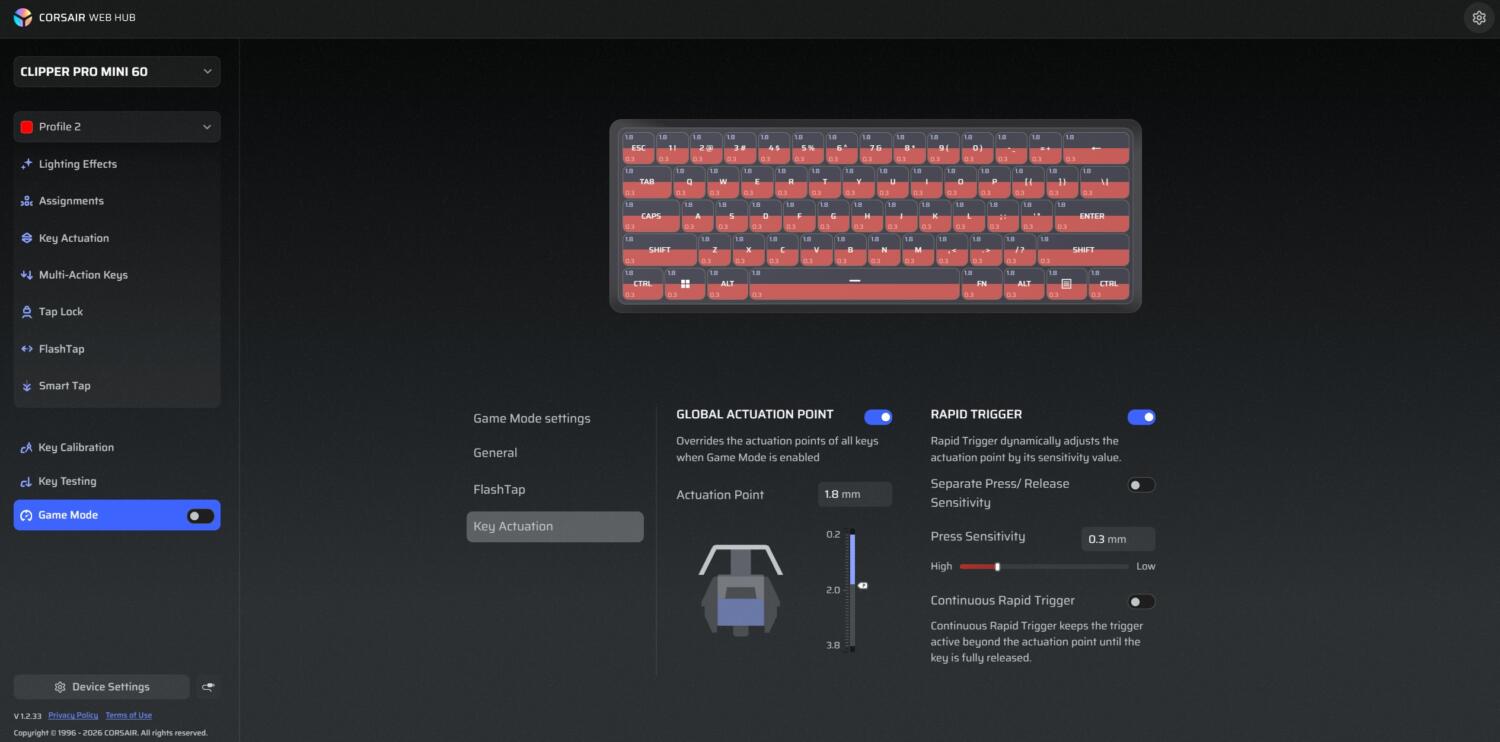
Naturally, as a Hall Effect keyboard, the ability to tweak actuation and toggle Rapid Trigger is a big draw. Each key features an adjustable actuation point ranging from 0.2mm to 3.8mm in 0.1mm increments, with Rapid Trigger dynamically refining it based on its sensitivity value. Users can also tailor press sensitivity across the board or individually, and override the actuation points of all keys by enabling Global Actuation Point in the Game Mode tab.
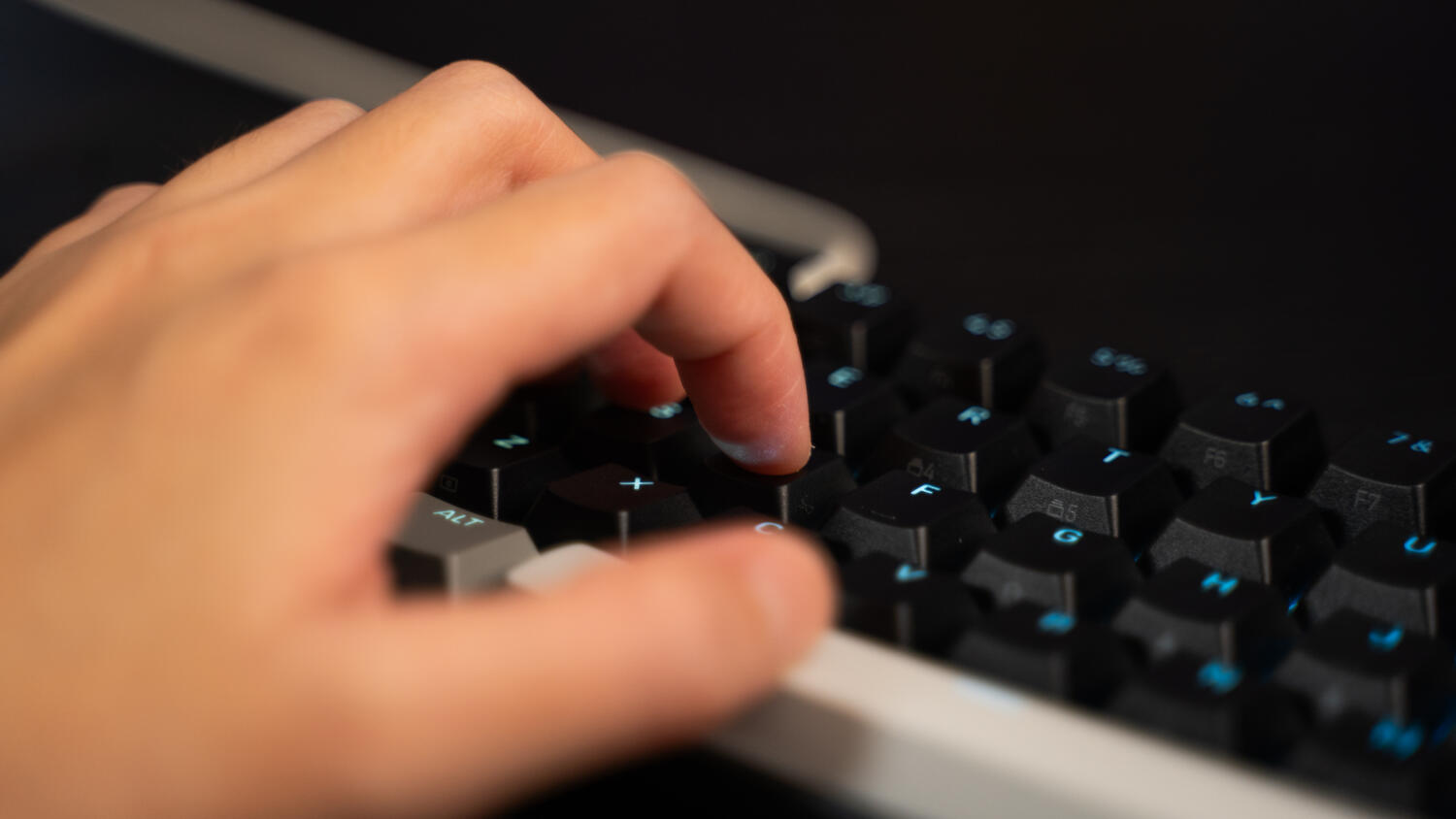
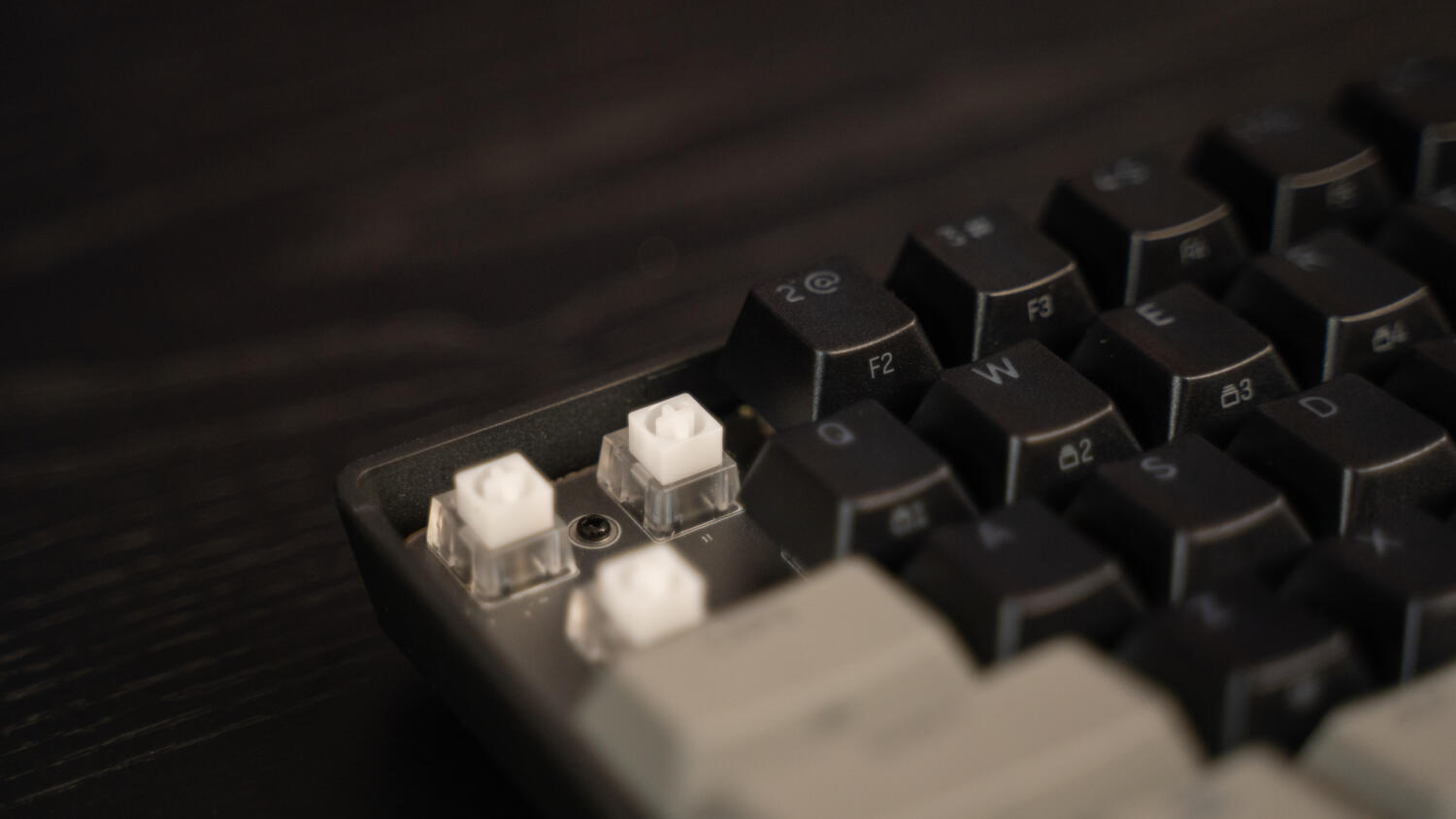
The magnetic switches complete the magic. The first to equip Corsair’s MGX HyperDrive Core, the Clipper Pro Mini 60 boasts an actuation force of 27 to 40 grams, versus the typical 30 to 55 grams, and feels lighter and smoother under the hand. It delivers a more linear profile, with less crunch and higher frequency that may not appeal to those who favour louder, deeper, or clicky acoustics.
In practice, the keyboard is snappy and highly responsive, scoring a higher-than-average 80 words per minute in typing tests (compared to the usual 76 WPM). The bigger improvement is in gaming performance – taking it out for a spin in Overwatch and Apex Legends showed a subtle difference in feel across the actuation points, giving a slight edge in WASD movement and split-second actions, including strafing and activating special abilities. For role-playing titles like The Witcher 3: Wild Hunt – Remastered, Smart Tap brings a more cohesive touch to controls, making it easier to switch between consuming a potion with a tap and, say, selecting a different healing option (long press).
Of course, this doesn’t mean players will automatically become pros. Like gaming mice, the Clipper Pro Mini 60 is only a tool, not a magic pill, and the minuscule upgrade will likely elude most casual players, who either don’t care about adjustable actuation or cannot spot the difference. The same goes for its 8,000Hz polling rate, which offers ultra-low input latency by updating 8,000 times per second, or once every 0.125 milliseconds; simply put, the higher the polling rate, the faster.
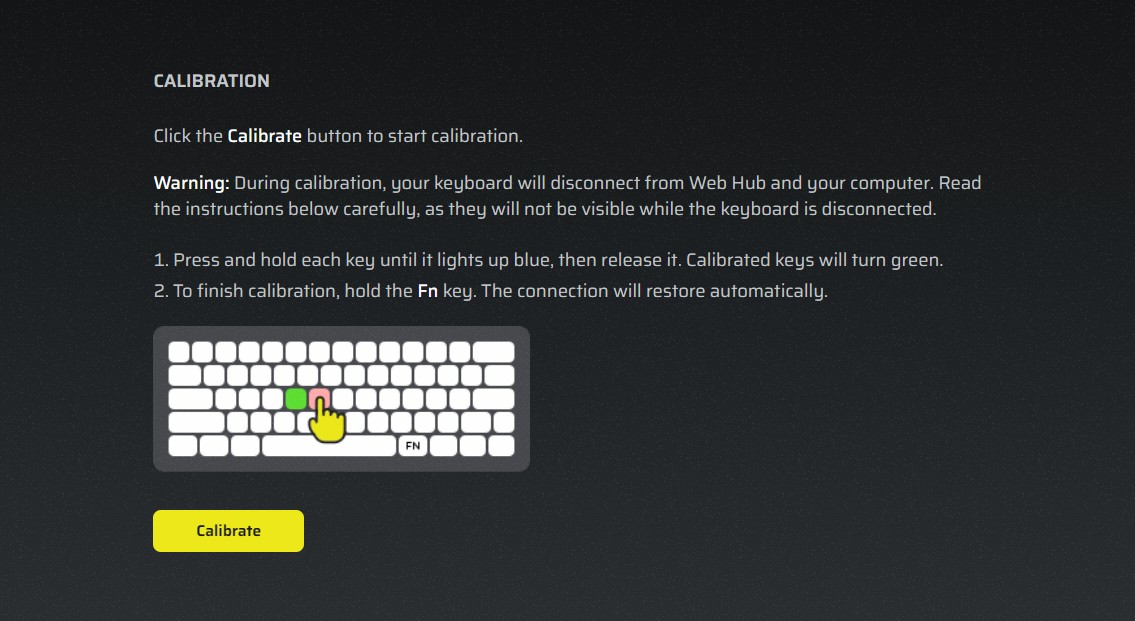
Because the MGX HyperDrive Core switches feature a square stem design, hot-swapping isn’t available and may be a deal-breaker for dedicated enthusiasts. As previously mentioned, however, Web Hub meets many other personalisation needs, from changing lighting effects, speed, and direction, to calibrating each key on the deck. A fair warning for the latter: the accessory will disconnect from the browser during the process, so it’s recommended to take a screenshot of the on-screen instructions or write them down.
Alongside Smart Tap, Corsair’s two other proprietary aces are FlashTap and Tap Lock. The first centres on SOCD (short for Simultaneous Opposing Cardinal Directions) functionality, allowing users to configure conflicting directional inputs, such as ‘A’ and ‘D’ or ‘W’ and ‘S’, for fluid movement and jiggle peeking in first-person shooters and fighting games. It also includes Priority Modes that support Last Input, prioritising the latest key pressed and used largely for counter-strafing, First Input (the oldest key), and Neutral (cancels both). Tap Lock, meanwhile, turns every key hold into an instant toggle, coming in handy for crouching, sprinting, and other long-press actions.
But the cherry on top is its competitive price. Depending on the colourway, the Clipper Pro Mini 60 retails for S$131.99 (White) or S$144.54 (Black), making it among the more budget-friendly magnetic gaming keyboards on the market. Even so, the performance is as crisp and top-notch as a Corsair-branded offering can get, with the less premium build quality serving as a small sacrifice. The 60%-er proves that versatile functionality and customisation can still exist in a compact form factor, and its exclusive Hall Effect features only cement its status as a choice pick for mini keyboard first-timers and smaller desks.
GEEK REVIEW SCORE
Summary
The Corsair Clipper Pro Mini 60 is small, but no less mighty. Tailor-made for gaming and a welcome addition to smaller desks, it raises the (space)bar for 60% keyboards without stepping out of reasonably-priced territory.
Overall
9/10
-
Aesthetics - 8.5/10
8.5/10
-
Build Quality - 8.5/10
8.5/10
-
Performance - 9.5/10
9.5/10
-
Value - 9.5/10
9.5/10
-
Geek Satisfaction - 9/10
9/10

Si Jia is a casual geek at heart – or as casual as someone with Sephiroth’s theme on her Spotify playlist can get. A fan of movies, games, and Japanese culture, Si Jia’s greatest weakness is the Steam Summer Sale. Or any Steam sale, really.
 Yonk
Yonk
 HSALS
HSALS
 Zinho De Costa